Se rendre au contenu

Immich on Yundera

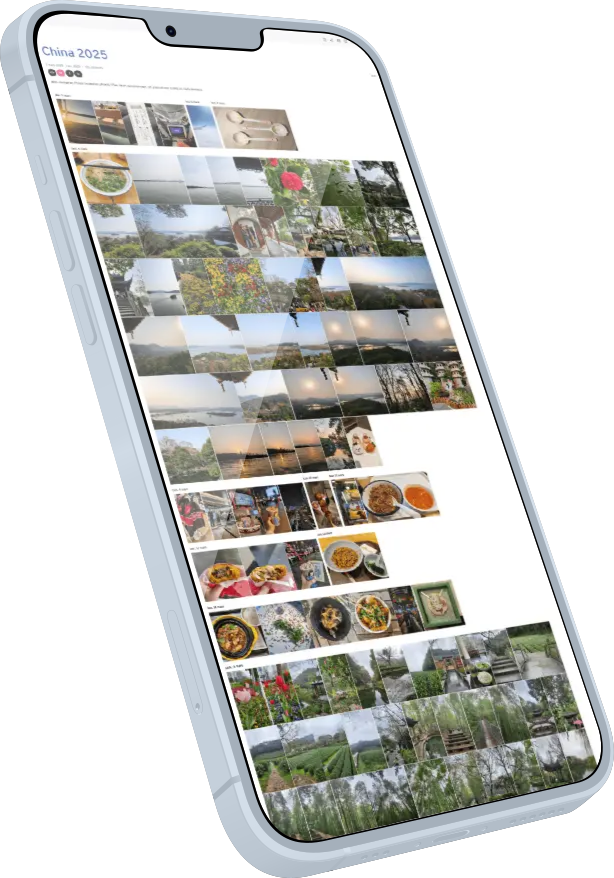
Your private Google Photos alternative

 If you are looking for a private, self hosted alternative to Google Photos, Immich is one of the best open source solutions available today.

And with Yundera, installing Immich takes just a few clicks. No server knowledge required.


Get Immich and more

✽  What is Immich

A better way 
to store your photos

🖼️

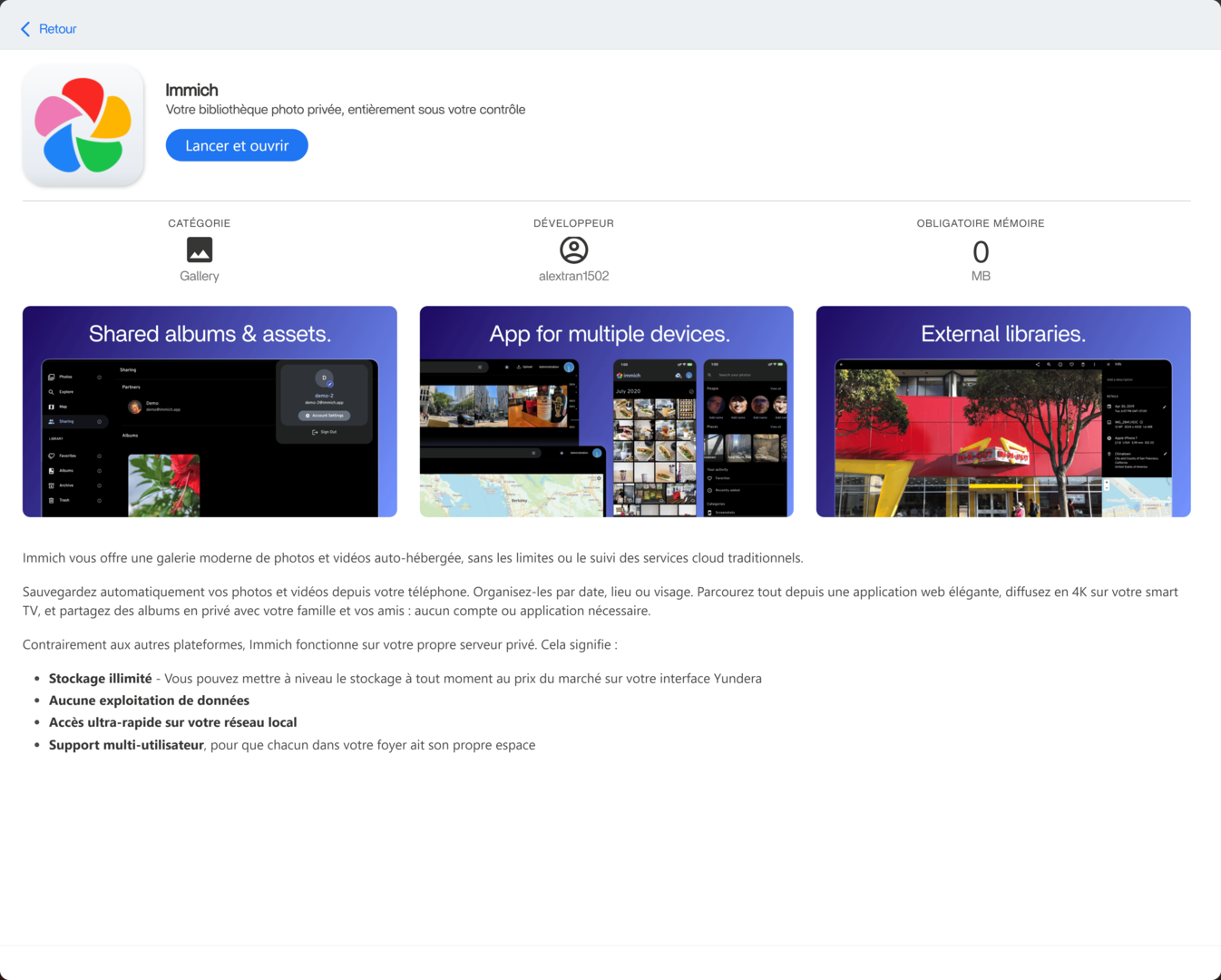
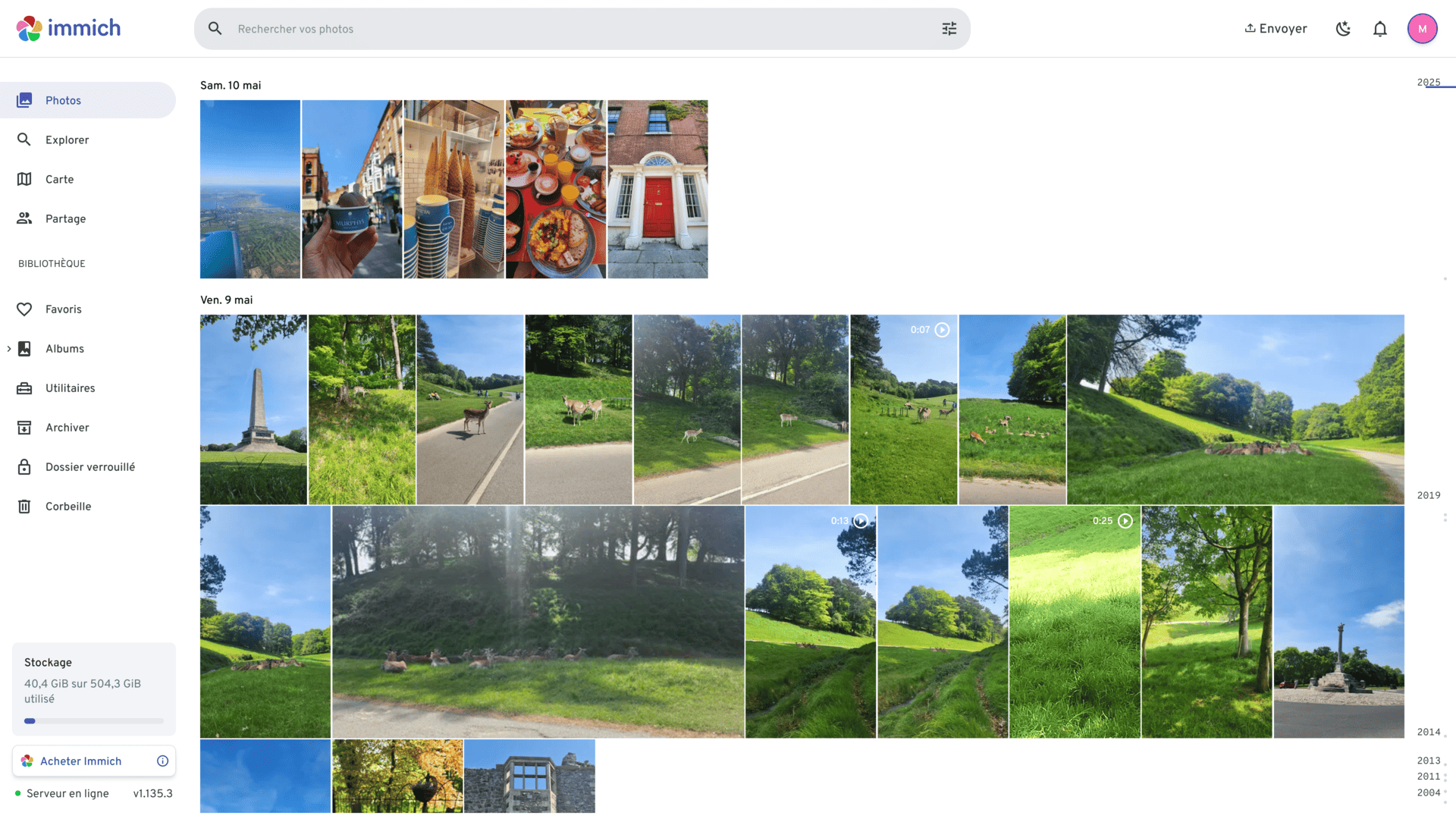
Photo & video support

Store, browse, and organize both photos and videos in one place, keeping all your memories accessible and secure.

👨‍👩‍👧

Multi user support

Share albums with family members, so everyone can view, add, and manage photos together in one private space.

📱

Mobile & web access

Access your photo library from any device, whether on your phone or through a web browser, anytime you need it.  

Install Immich on Yundera 
in 3 simple steps  

Learn how to quickly set up and start using our services with our step-by-step onboarding process.

Step 1. Install Immich from the App Store

One click installation, no configuration required on your Yundera server.

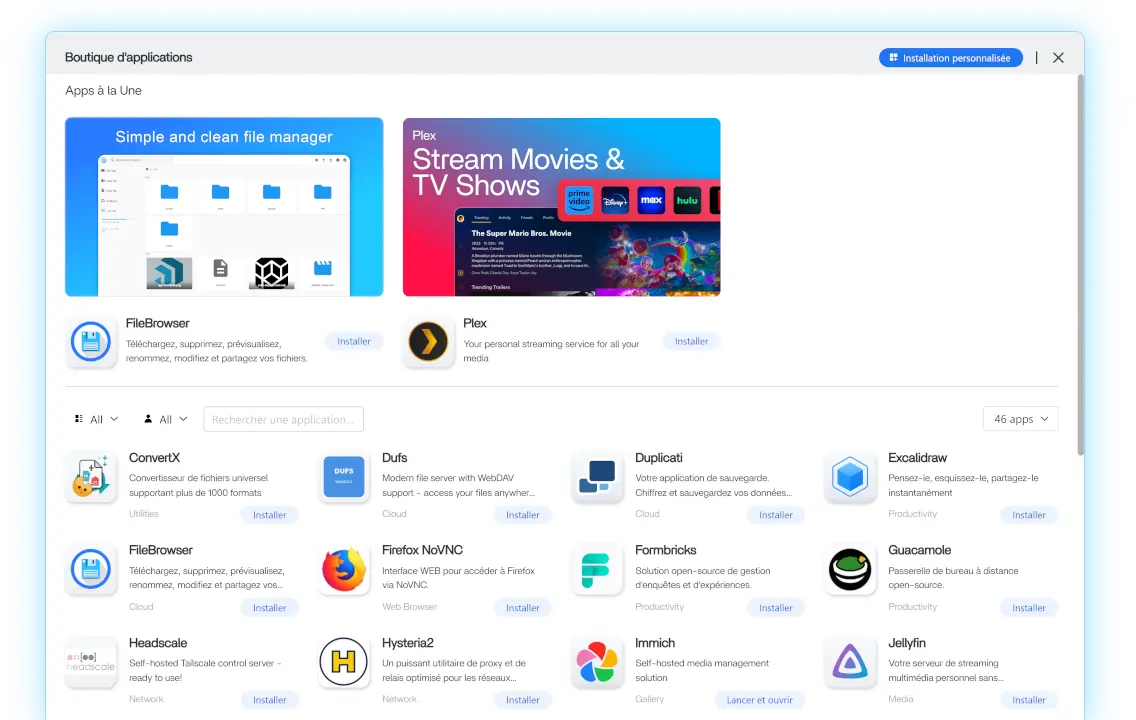
From your Yundera dashboard, open the App Store and search for Immich


Click Install to start the deployment.

Yundera automatically sets up everything Immich needs to run properly, including services, storage connections, and internal configuration. You do not need to install Docker, manage databases, or edit any settings.

Once the installation starts, the system takes over.


Get my Yundera Server

Step 2. Wait for startup

Immich needs a few minutes to initialize

Immich takes approximately 5 minutes to fully start after installation.

During this time, several background services are launched, including the database and media processing components. This is normal and only happens the first time the app starts.

To avoid connection errors, simply wait a few minutes before opening the web interface. Once everything is ready, Immich will be fully operational.

Step 3. Open the Immich web interface

Secure your Immich server with your admin account

After startup is complete, click Open from the Immich app card in your Yundera dashboard.

You will be redirected to the Immich web interface.


On your first visit, Immich will ask you to create an admin account. This account is used to manage your photo library and server settings.

The admin account allows you to:

  • Access your photo and video library
  • Connect mobile devices
  • Create and manage shared albums
  • Add additional users later if needed

Once this step is done, Immich is ready to use.


Immich, installed in one click.


Mobile app setup

After installation:

  • Open Immich settings in the web interface
  • Display the QR code
  • Install the Immich mobile app
  • Scan the QR code

Your phone now backs up photos directly to your Yundera server.


Download for Phone

Mobile app setup

After installation:

  • Open Immich settings in the web interface
  • Display the QR code
  • Install the Immich mobile app
  • Scan the QR code

Your phone now backs up photos directly to your Yundera server.


Download for Phone

Frequently asked questions

Here are some common questions about Yundera and Immich.

Yundera is a Private Cloud Server provider. It lets you run your own cloud apps such as Immich on a server that belongs to you. Instead of storing your photos on a big tech platform, your photos live on your own server, under your control.

No. Immich is an independent open source project. Yundera simply provides an easy way to run Immich on your own server, without needing to configure infrastructure or maintain updates manually.

Your photos remain stored as normal files on your server. This means you can download them through Immich, access them directly through the server file system, or create backups whenever you want. Your data always remains portable.

For very large imports, you can upload photos directly from your server instead of using the mobile app. This allows you to transfer entire photo libraries quickly, which is useful when importing a Google Photos archive or migrating an existing collection.

See the tutorial →

Storage can be expanded at any time for 6€/TB. Your server capacity grows as your library grows, so you never need to migrate your photos to another service or worry about hitting fixed storage tiers.  

Your server is isolated and secured with encrypted connections (HTTPS/TLS). Only you and the users you create can access the data. Unlike traditional cloud services, your photos are not analyzed for advertising or used to train external AI systems.  

There is no family plan, because you can have as many users as you want on your server for free. Moreover Immich itself supports multiple users. You can create separate accounts for family members while sharing albums and memories. Everyone keeps their own private library but can contribute to shared collections.

Updates are tested before being deployed to ensure compatibility with the platform. Once validated, the new version is rolled out so users benefit from improvements while avoiding unstable releases.

When you try to upload large files (typically over ~100 MB) through Immich, either via the web or the mobile app, the upload silently fails.  Since Immich can't handle the upload directly, we'll place the files on the PCS first, then tell Immich to import them. 

Follow our tutorial →