The official Apps guide
When you start self hosting, the hardest part is not installing apps. It’s knowing which apps exist and what they are actually for.
This guide is a curated overview of the most common and useful self hosted applications, grouped by use case, with simple explanations.
If you run your own server, NAS, or Private Cloud Server, this is your toolbox. We tried to build a practical map of the self hosted ecosystem and what you can host on Yundera, with all the most famous open source tools. If you need to add any open source app, feel free to contribute in our Creator Program, or just let us know on : [email protected]
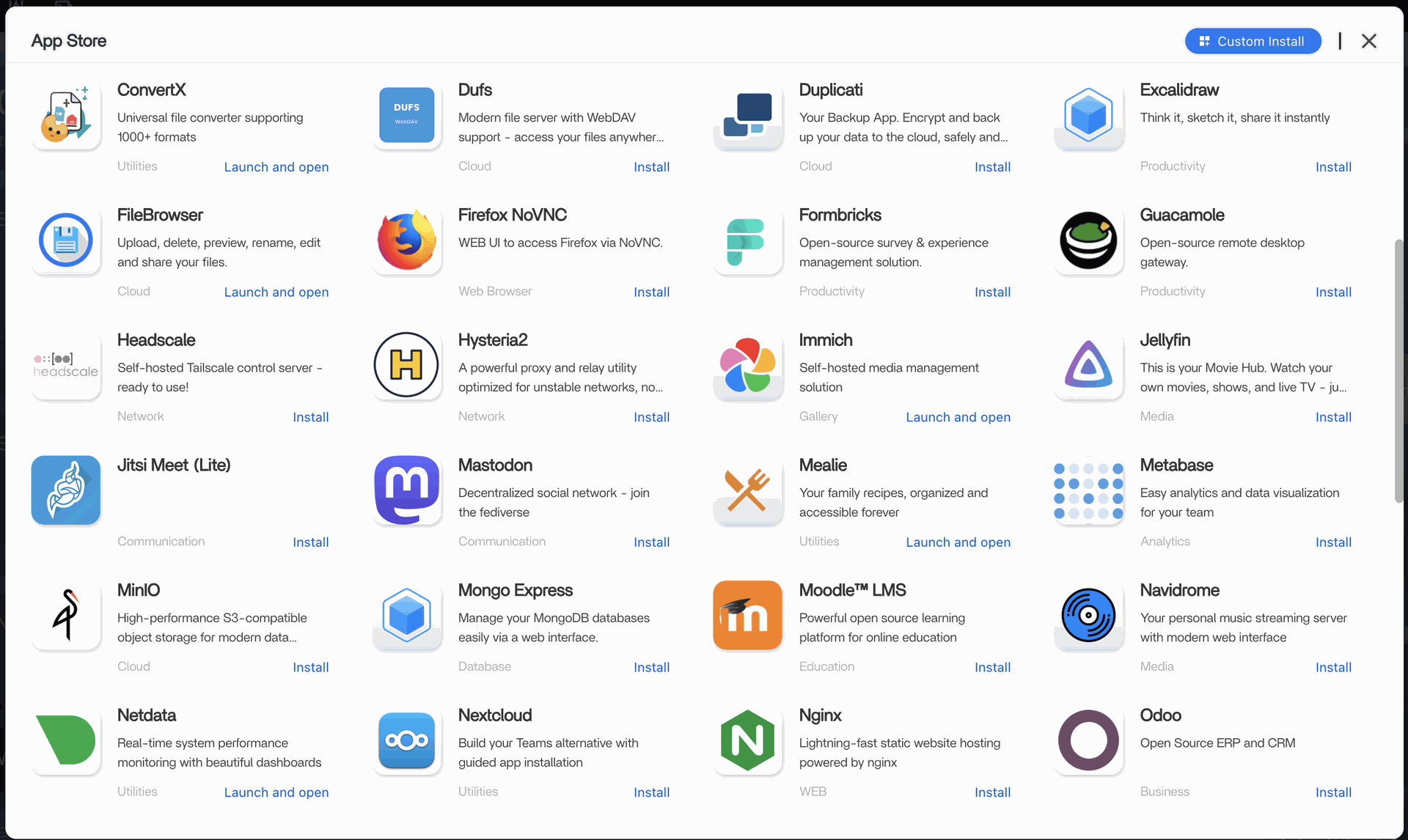
Our AppStore contains many applications, and we are here to explain them:
🎬 Media Streaming and Personal Entertainment
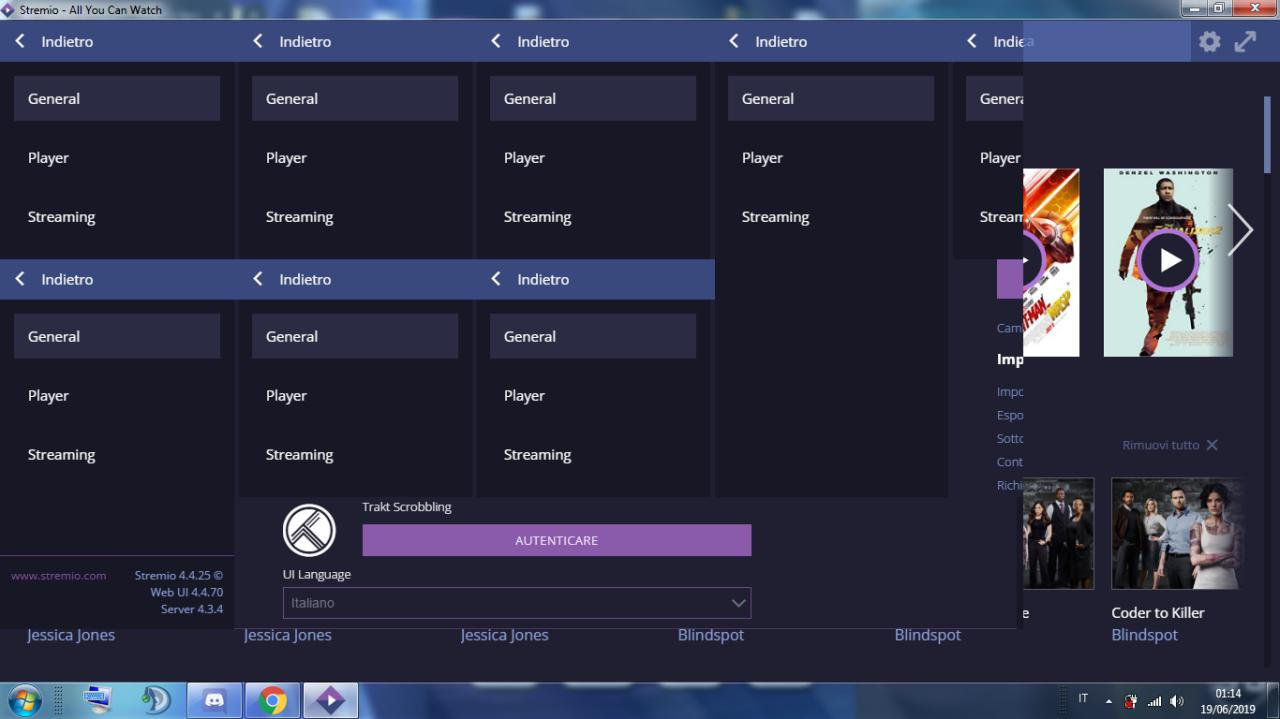
Stremio
What it does: Media aggregator and streaming hub
Use it if: You want a lightweight media experience
- Often combined with plugins
- Less focused on local libraries than Jellyfin or Plex
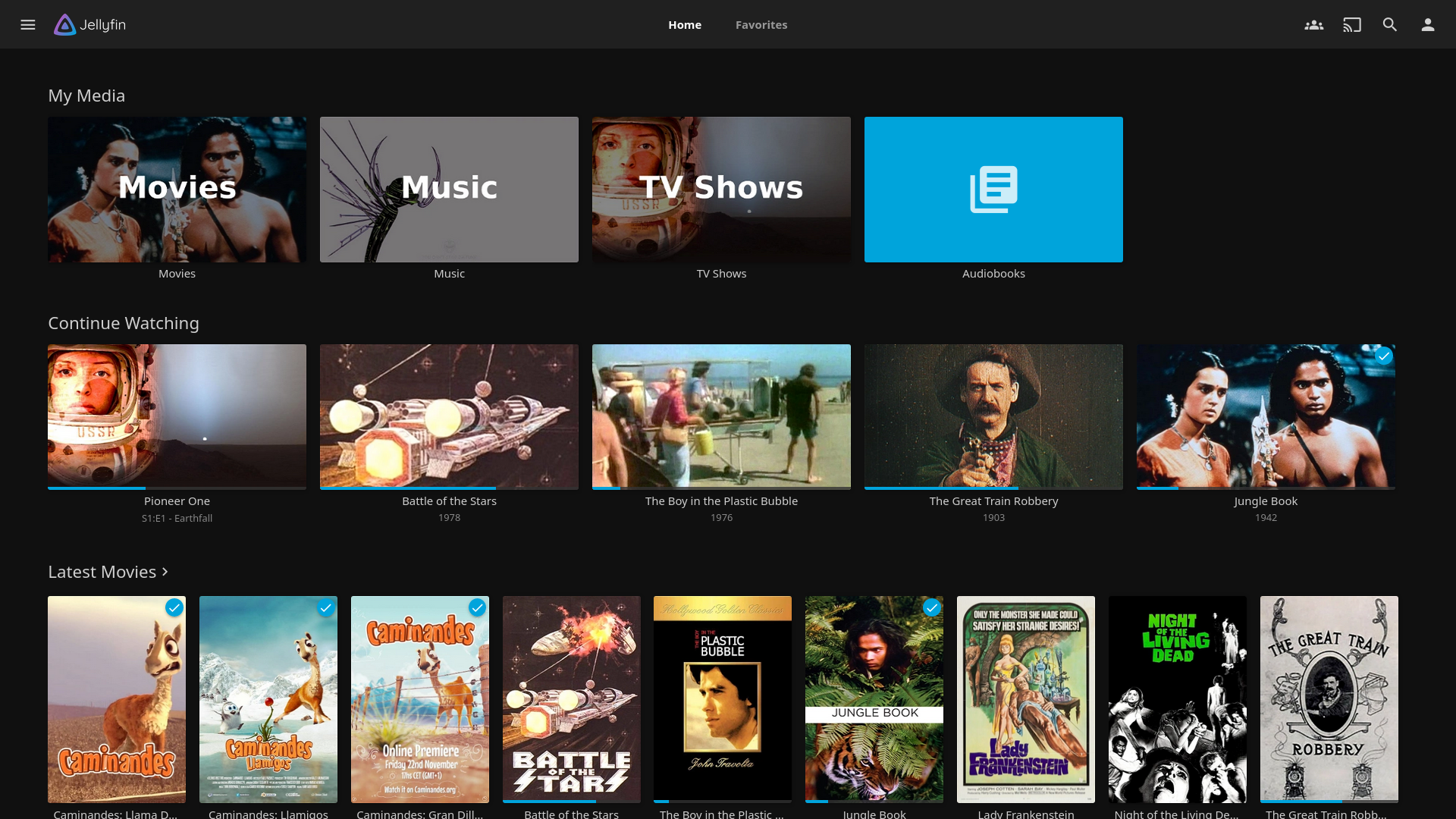
Jellyfin
What it does: Personal Netflix for your own movies and series
Use it if: You want a fully open source media server
- Organizes movies and TV shows automatically
- Streams to web, mobile, TV apps
- No licenses, no subscriptions
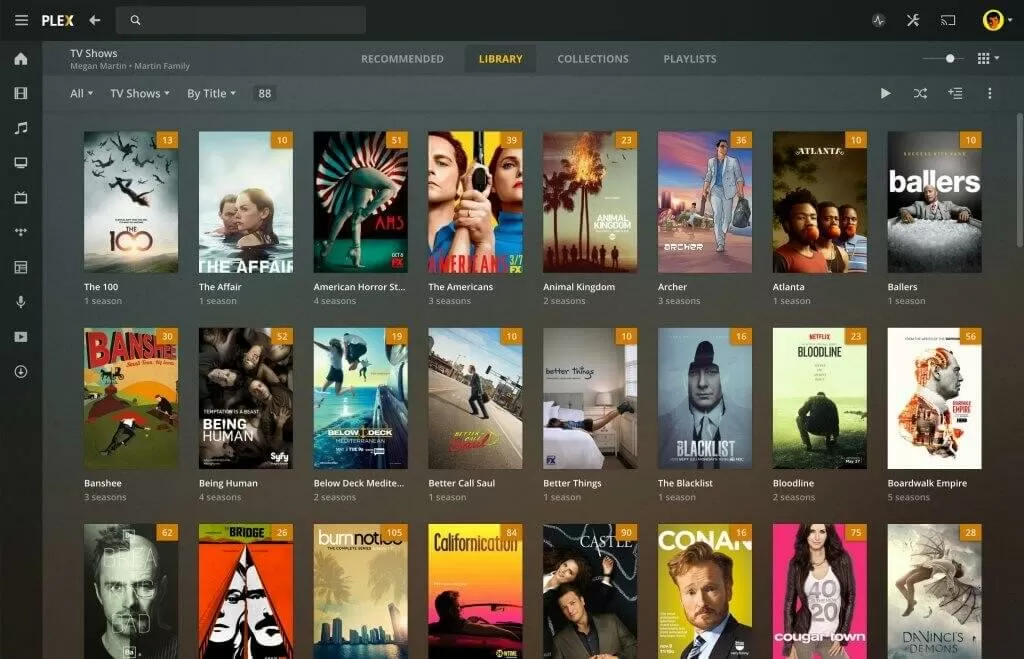
Plex
What it does: Media server with polished apps
Use it if: You want ease of use and device support
- Requires an account
- Some features behind a paid plan
- Very stable ecosystem
Navidrome
What it does: Personal Spotify for your own music
Use it if: You have a large music collection
- Lightweight
- Compatible with many mobile music apps
- Perfect for FLAC and MP3 libraries
📸 Photos and Personal Memories
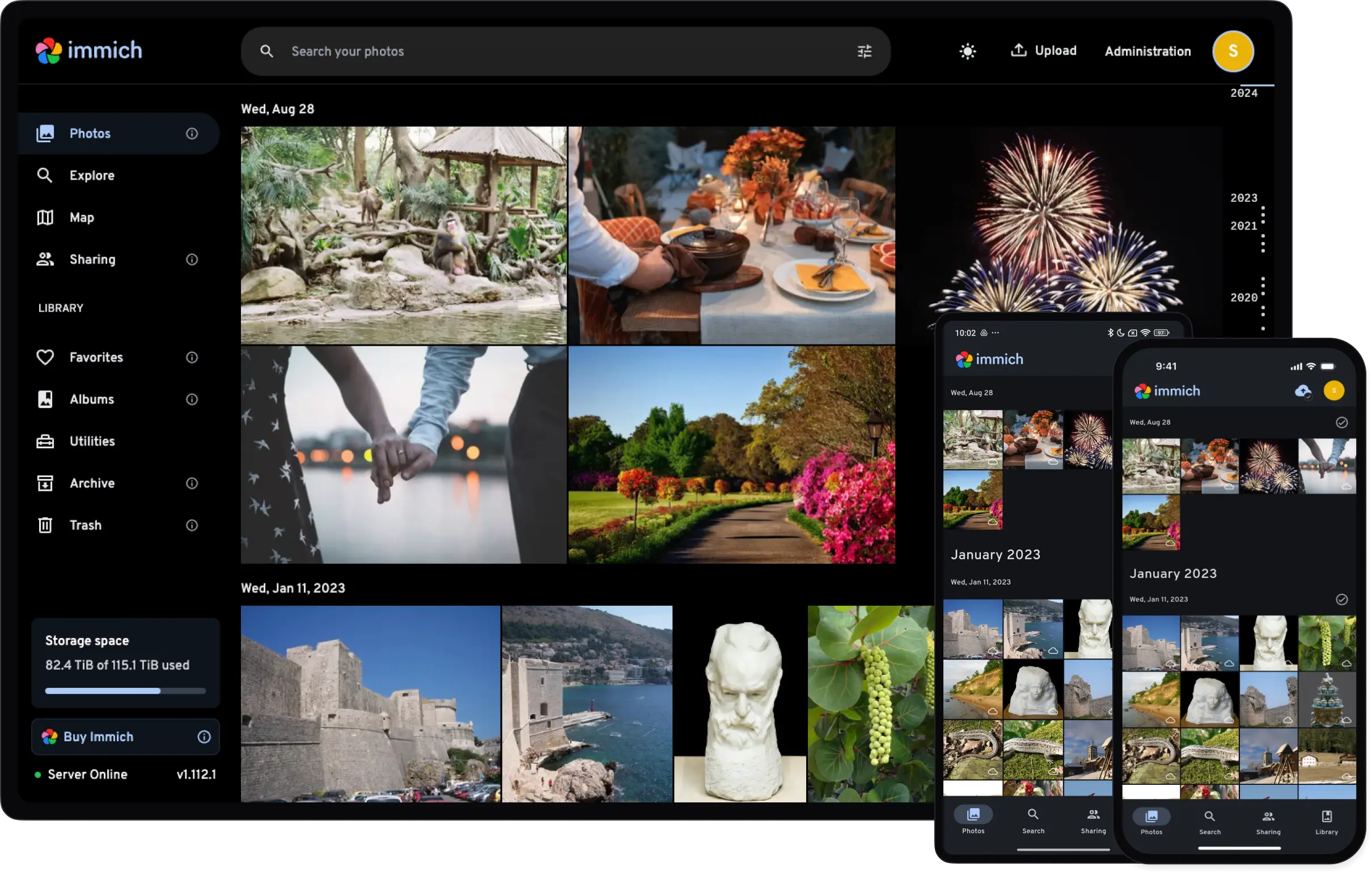
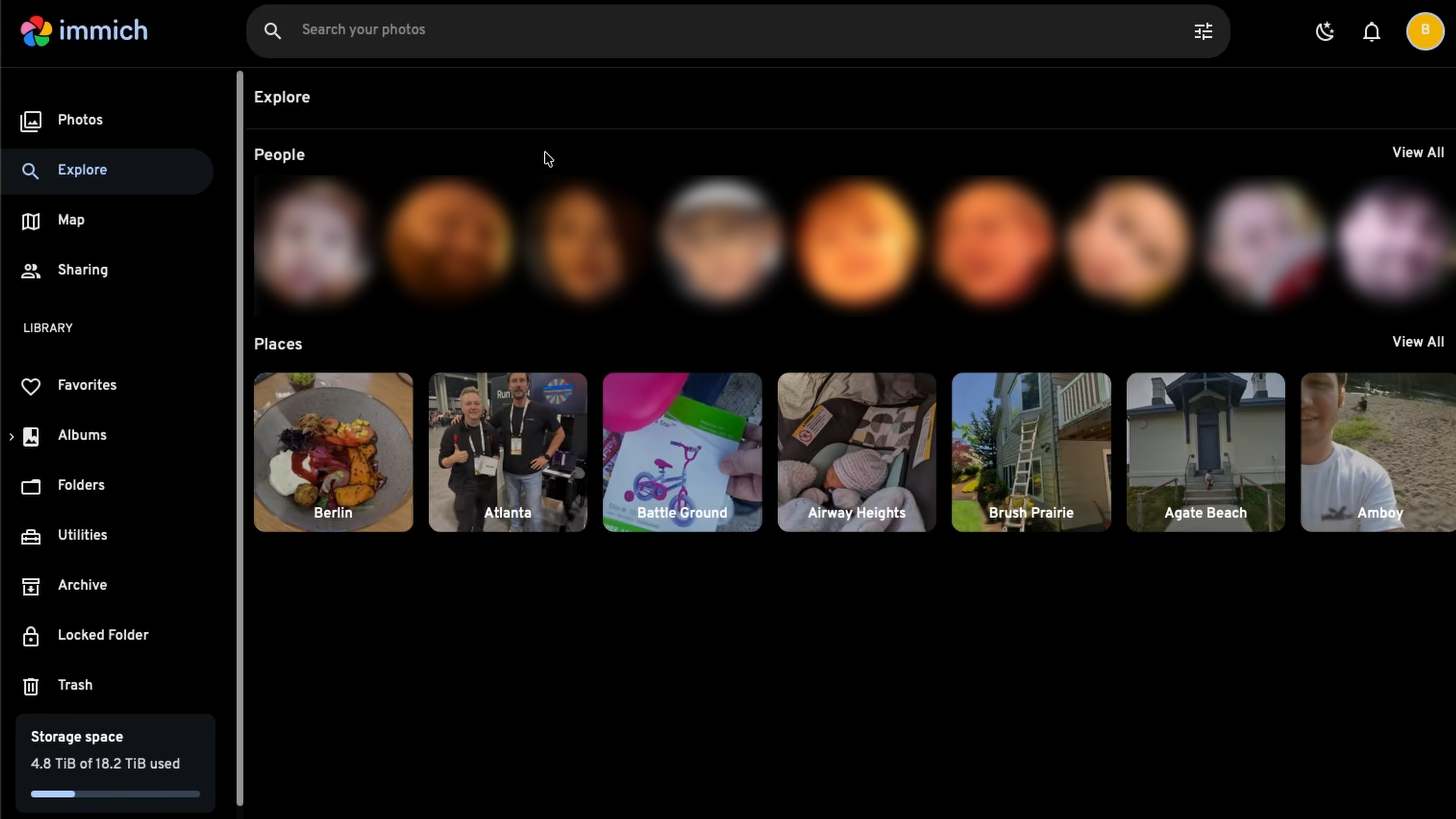
Immich
What it does: Open source alternative to Google Photos
Use it if: You want full control over your photos
- Automatic phone backup
- Face recognition and albums
- Very active development
- One of the most popular self hosted apps today
📁 File Storage and Sharing
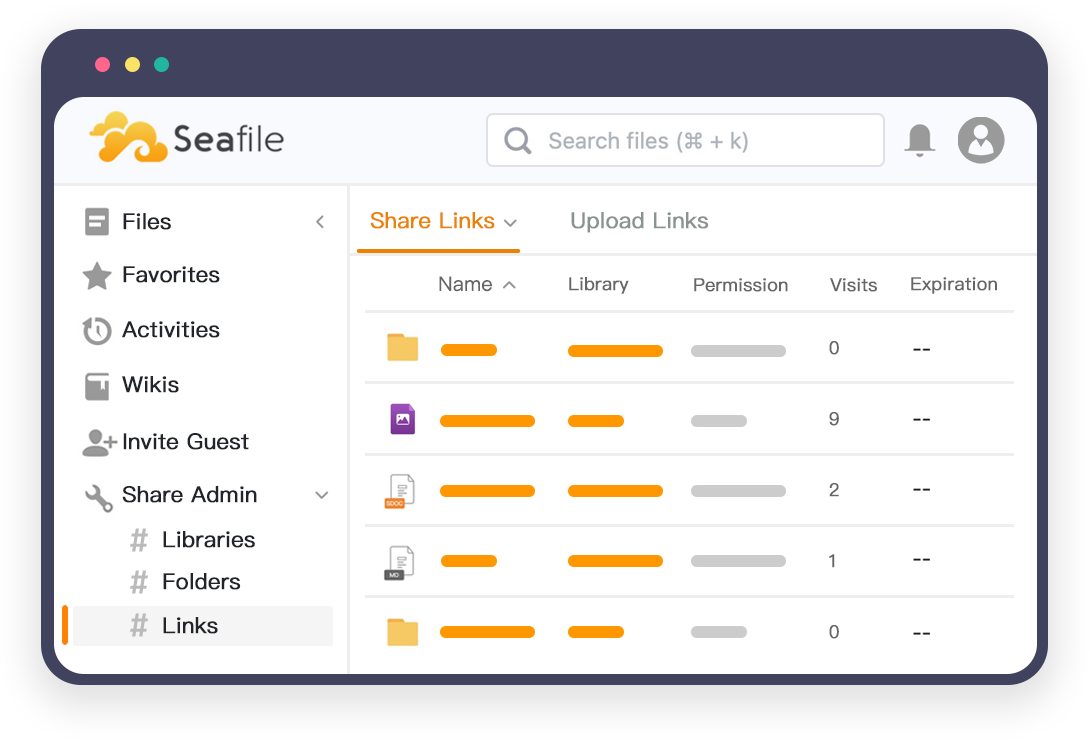

Seafile
What it does: Dropbox alternative focused on sync
Use it if: You want reliable file synchronization
- High performance
- Good for teams
- Strong permission management
FileBrowser
What it does: Simple web file manager
Use it if: You want to browse files in your browser
- Lightweight
- Great for quick access
- No sync, just file browsing
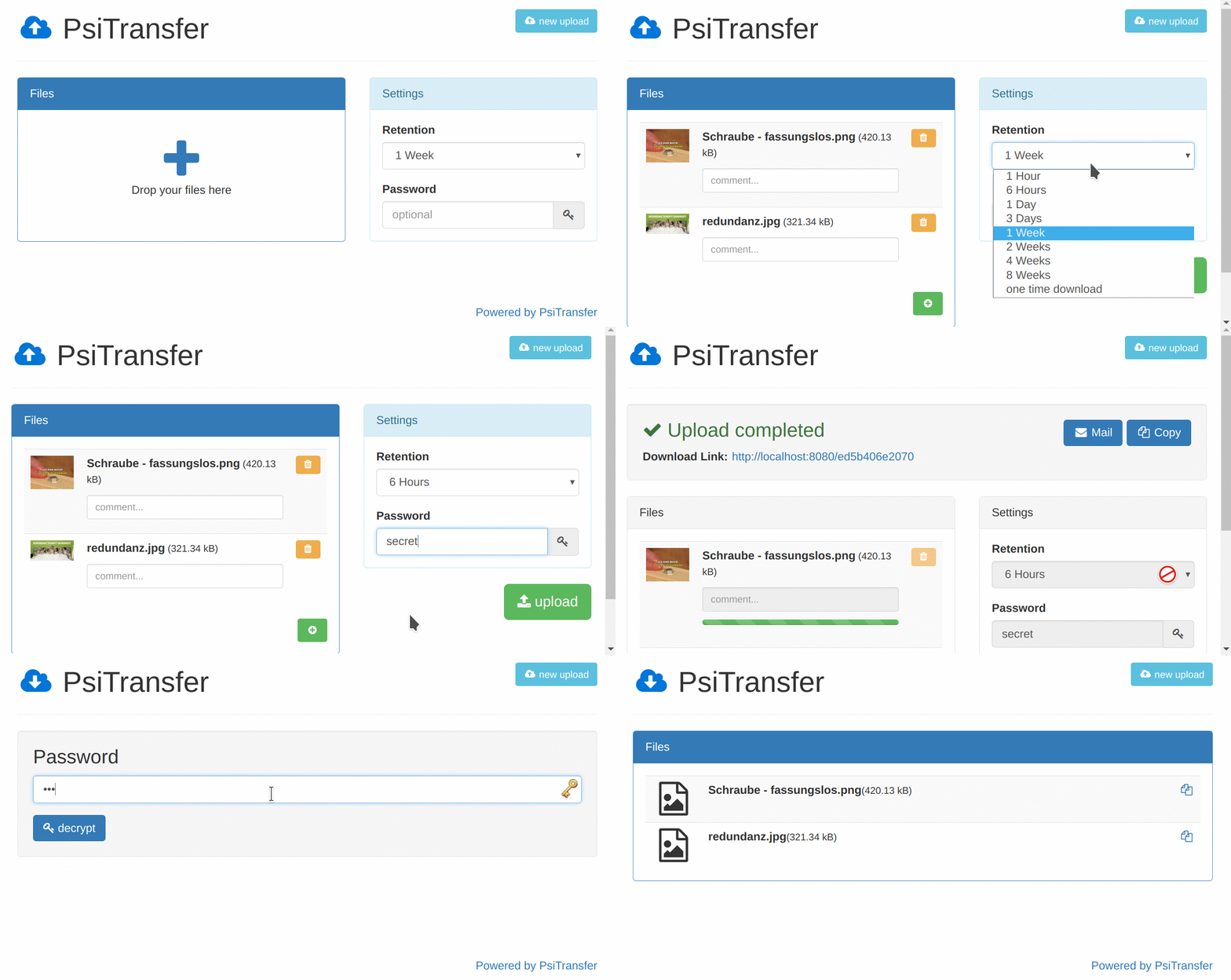
PsiTransfer
What it does: Self hosted WeTransfer
Use it if: You send large files occasionally
- Temporary links
- Simple UI
- No file size limits except your server
Dufs
What it does: Ultra simple file server
Use it if: You want instant file sharing
- Single binary
- No database
- Perfect for quick uploads and downloads
🔐 Passwords and Security
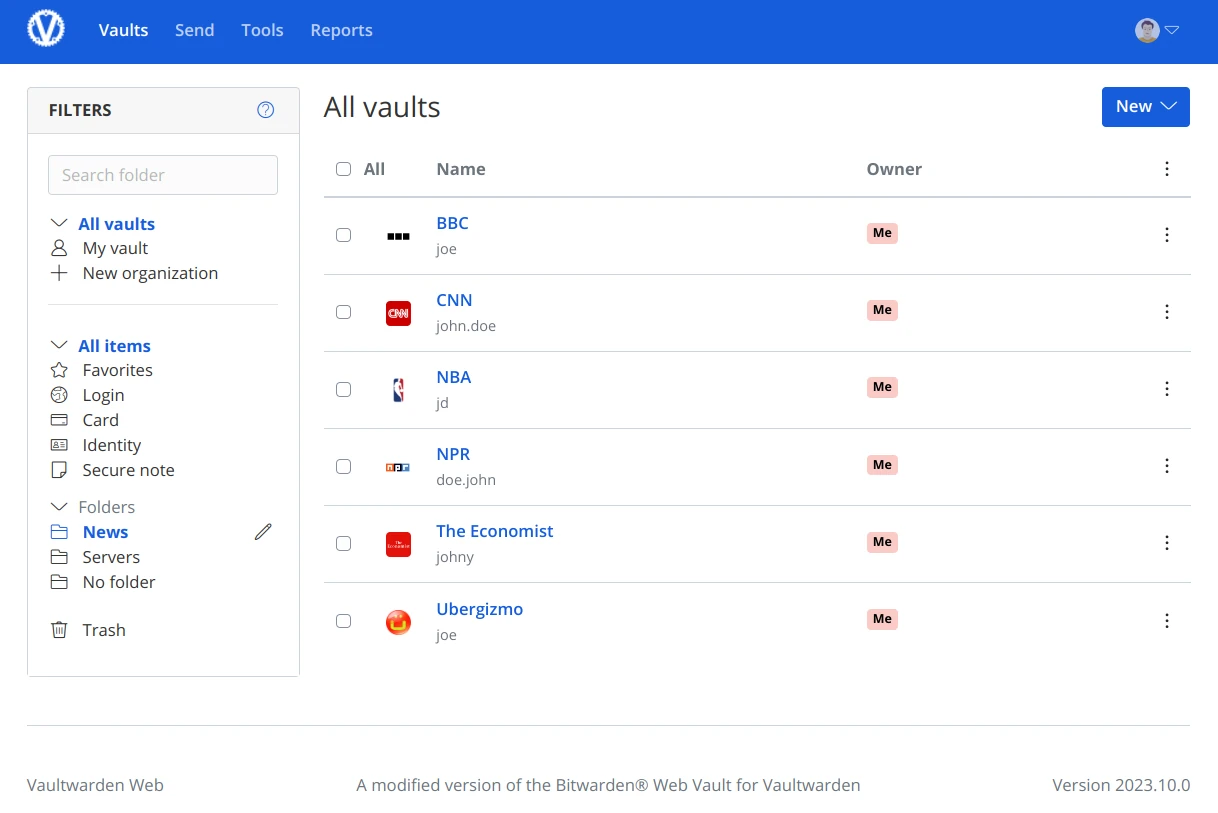
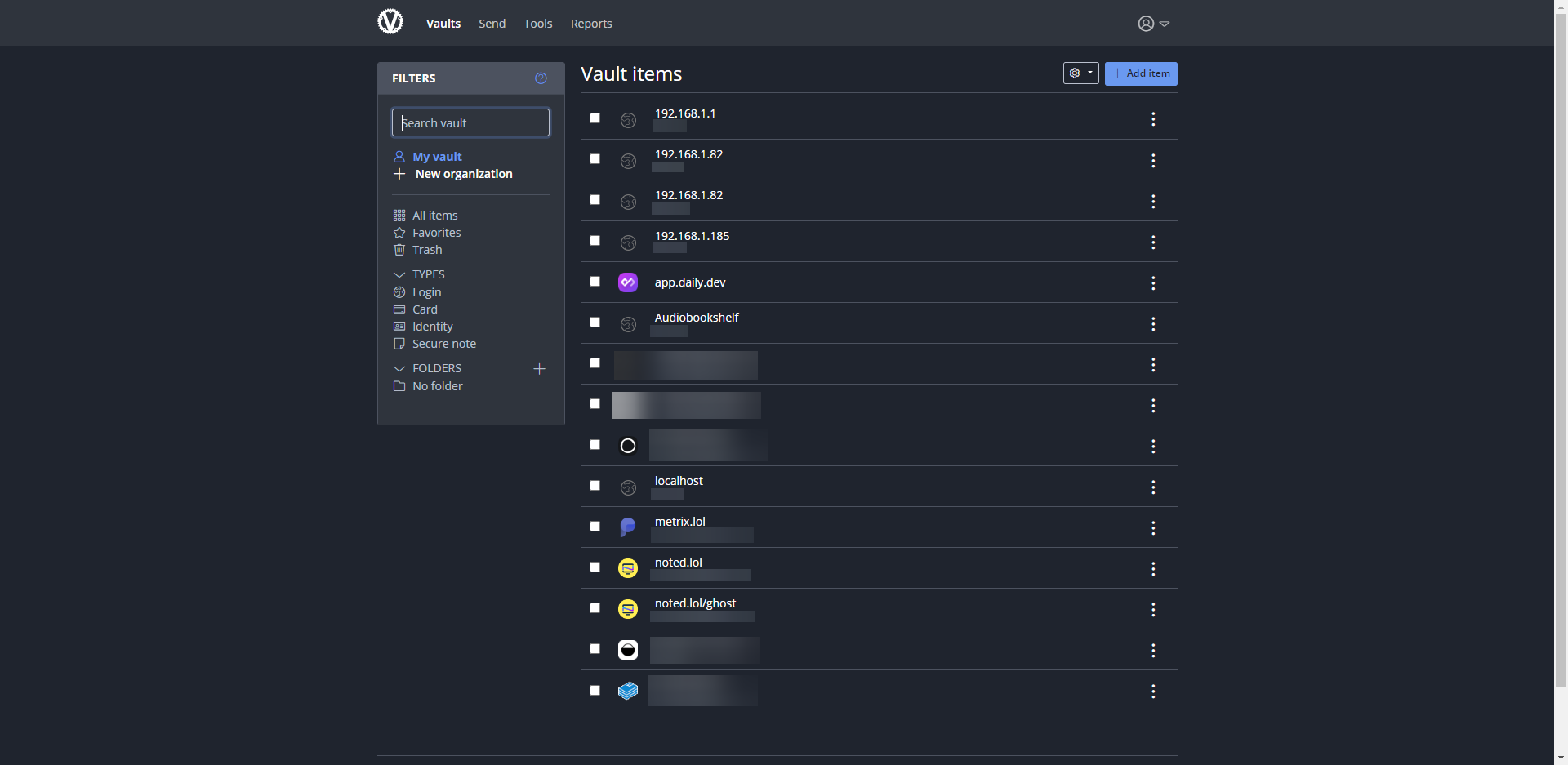
Vaultwarden
What it does: Lightweight Bitwarden server
Use it if: You want to self host your password manager
- Works with official Bitwarden apps
- Very low resource usage
- One of the most trusted self hosted tools
🍳 Personal Tools and Daily Life
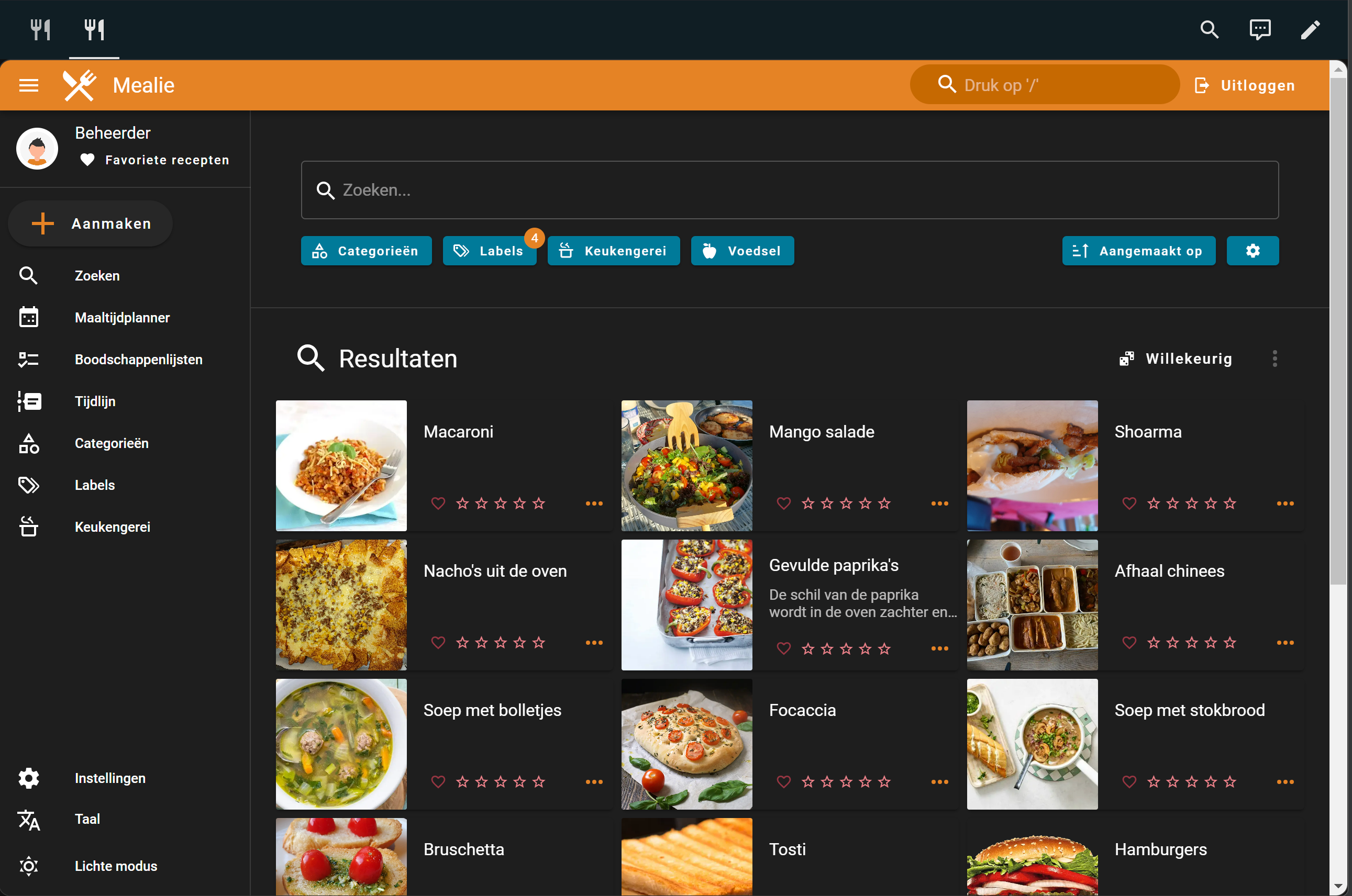
Mealie
What it does: Self hosted recipe manager
Use it if: You want your own cooking notebook
- Import recipes from the web
- Meal planning
- Family friendly
Suwayomi
What it does: Self hosted manga reader
Use it if: You read manga regularly
- Web and mobile access
- Library based reading
- Open source Tachiyomi backend
🌐 Networking and Remote Access
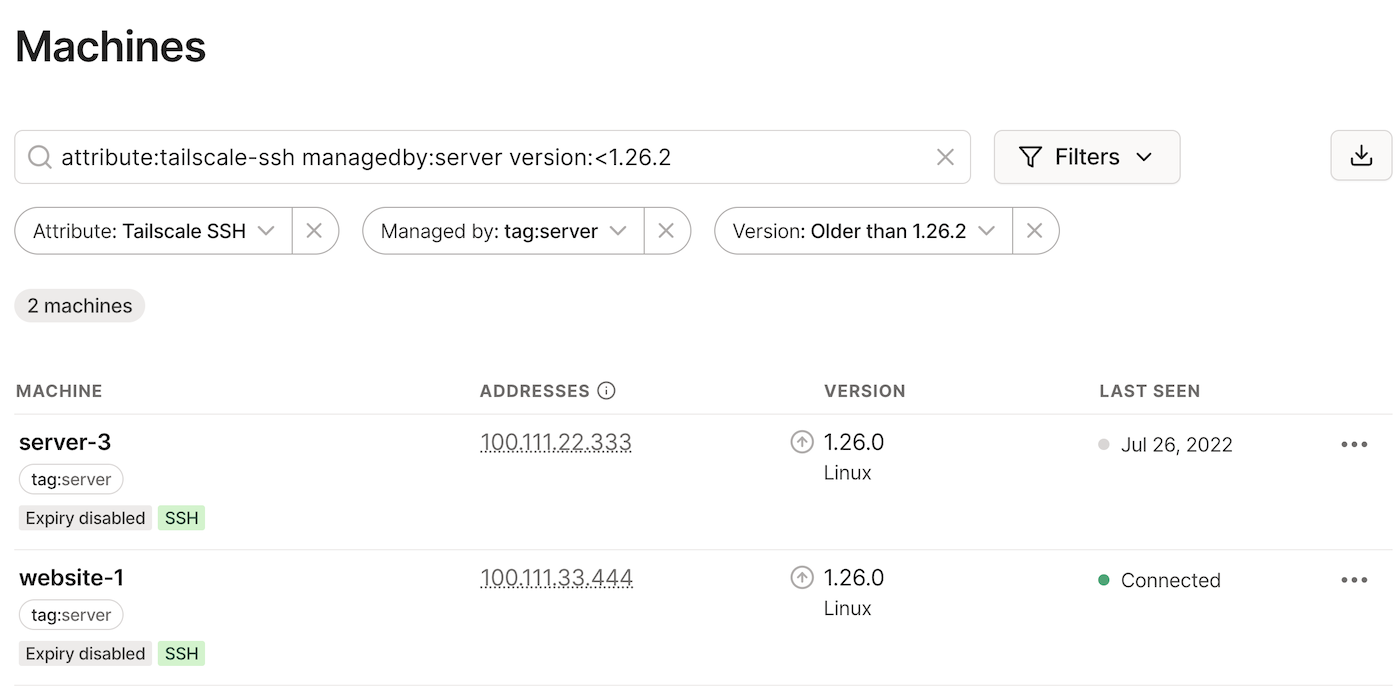

Tailscale
What it does: Zero config private VPN
Use it if: You want easy remote access
- Works behind NAT
- Requires an external service
- Extremely user friendly
Headscale
What it does: Self hosted Tailscale control server
Use it if: You want Tailscale without SaaS
- More complex
- Full control
- Ideal for advanced users
WireGuard with WgEasy
What it does: Classic VPN with a UI
Use it if: You want full VPN control
- Very fast
- Simple web interface
- No third party service
Apache Guacamole
What it does: Remote desktop in your browser
Use it if: You manage remote machines
- Access via browser
- No client installation
- Supports RDP, VNC, SSH
🔧 Infrastructure and Low Level Tools
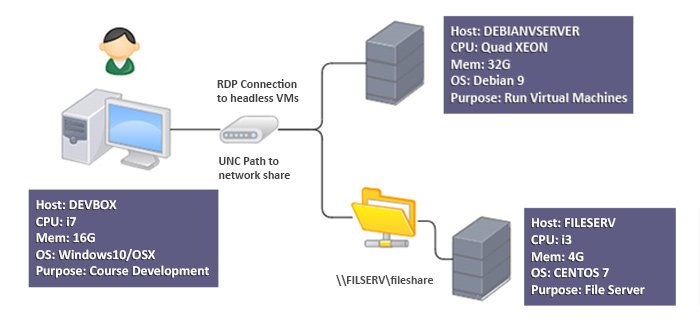
Samba
What it does: Windows style file sharing
Use it if: You access files from your local network
- Works with Windows, macOS, Linux
- Old but reliable
Rclone
What it does: File sync and migration tool
Use it if: You move data between clouds
- Scriptable
- Extremely powerful
- Essential for backups and migrations
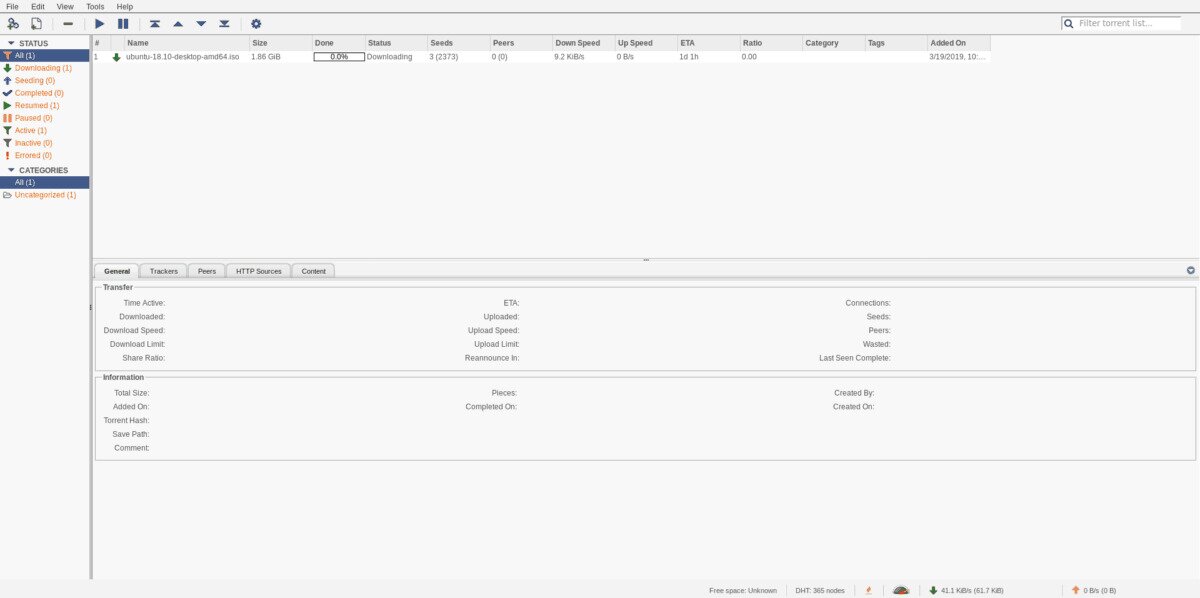
qBittorrent
What it does: Torrent client with web UI
Use it if: You need automated downloads
- Web based management
- Often combined with media servers
🧠 How to think about self hosted apps
Self hosting is not about installing everything.
It’s about building your own stack.
Ask yourself:
- Do I want media, files, photos, or tools?
- Do I need local access, remote access, or both?
- Do I want simple, or full control?
Most self hosters start with:
- One media app
- One file app
- One backup or VPN tool
Then they grow.
Final thought
Self hosting is not a single app. It’s an ecosystem.
Once you understand what each tool does, you stop copying SaaS products and start designing your own digital life.
The most famous Open Source Apps