De-Google Your Digital Life: The Step-by-Step Guide That Actually Works

Yes, you can de-Google your digital life almost entirely. Start with email, your browser and storage, because those are the three main ways your data gets collected. If you go step by step, the full switch takes a few weeks and nothing breaks all at once. If you want complete sovereignty without any technical tinkering, a managed private server is the natural final step.
TL;DR:
- You can start moving to privacy-friendly alternatives right away: switch your search engine and browser, and create an encrypted email account.
- Fully de-Googling a smartphone takes gradual effort. It ranges from simply replacing apps to flashing a dedicated ROM on a compatible device.
- Full ownership of your data often calls for a managed private server, which gives you control and security without relying on a centralized service.
- Some sensitive apps, such as banking apps or anything that relies on Play Integrity checks, can stop you from removing Google entirely from a smartphone, or may require a secondary device.
- A gradual process spread over several weeks, with frequent backups, keeps risks low and lets you confirm that your migrated services really work.
Table of Contents
- Priority checklist: quick wins you can do today
- Replacing services one by one: alternatives and limitations
- De-Googling your smartphone: practical levels and key steps
- A gradual migration plan: realistic timeline and backup checklist
- Limitations and common problems: banking apps, Play Integrity, notifications
- The sovereign option explained: managed private servers, who they're for and why
- Yundera's take on sustainable, non-dogmatic choices
- The managed solution that gives you back ownership, without the tech jargon
- Sources
- Frequently asked questions
Priority checklist: quick wins you can do today
You don't need a whole weekend to get started. This order helps you avoid nasty surprises, and you'll notice the difference on day one:
- Switch your search engine and browser (15 minutes): move to Firefox or Brave, and replace Google with Qwant or Ecosia.
- Export your contacts before any email migration (10 minutes): a CSV or vCard export keeps you from losing your address book.
- Create an encrypted email account (20 minutes): Proton Mail is still the go-to option for an easy start.
- Install F-Droid and Aurora Store (10 minutes): you keep access to your apps without a Google account.
- Adopt an independent password manager (15 minutes): now is the time to drop the password manager built into Chrome.
- Enable a private DNS such as NextDNS (5 minutes): this cuts down some network tracking, though not all of it, as Secure-OS points out.
- Turn off unnecessary syncing and permissions (10 minutes): location, location history and personalized ads.
- Back up your photos and documents before changing any account (time varies): never migrate without a verified backup.
Pro tip: never deactivate your Google account until you've confirmed that each replacement service actually works with your real contacts and your real files. Keeping an account dormant for a month costs far less than losing data.
Replacing services one by one: alternatives and limitations
Every part of the Google ecosystem has a privacy-friendly equivalent, but none of them fixes the problem on its own. Changing only your search engine, for example, deals with just a fraction of the tracking. Your browser, operating system and data hosting matter just as much, as a technical analysis of Google alternatives shows.
- Email: look for end-to-end encryption, the ability to export your data and clearly identified hosting. Proton Mail and Framasoft's services tick all these boxes.
- Search and browsing: Qwant or Ecosia for search, Firefox or Brave for browsing. The gain is real, but only partial if you keep stock Android.
- Maps: alternatives like OsmAnd work offline and respect your privacy. The trade-off is less social data, such as reviews and live crowd levels, than Google Maps offers.
- Storage and photos: go for client-side encryption rather than just a different brand. A private host that never reads your files is better than a competitor that runs the same business model as Google.
- Calendar and contacts: the CalDAV and CardDAV protocols let you sync calendars and address books without relying on a proprietary account, for example through Framagenda.
- Messaging: Signal is still the benchmark for encryption, but encryption isn't anonymity. Connection metadata still exists.
- Passwords and strong authentication: a dedicated password manager combined with a hardware key is more secure than a password alone, however complex. For business use, documentation on security key compatibility helps you pick the right hardware for your platforms.
There are dozens of alternatives for every use case, as Clubic's roundup of tools for weaning yourself off Google shows. Keep in mind, though, that a free alternative sometimes just moves your dependence to another tech giant instead of removing it.
De-Googling your smartphone: practical levels and key steps
On Android, de-Googling isn't all or nothing. There are three levels, and they differ a lot in effort and results.
- Light level: replace apps one by one and install F-Droid and Aurora Store. No flashing needed, and you can undo it in five minutes.
- Medium level: install an alternative ROM with microG, which mimics some Google services to keep apps compatible. The trade-off: better privacy, but a few apps can still be temperamental.
- Full level: GrapheneOS or CalyxOS remove Play Services completely. This is the most effective way to stop data collection at the source, but it requires a compatible device (mostly Pixels) and real technical know-how, as Secure-OS stresses in its 2026 guide.
Before you flash anything, export your contacts, back up your two-factor authentication codes and, if possible, test your critical apps on another device. A detailed first-hand account on Frandroid shows what a poorly prepared migration can cost: temporarily locked out of a banking app, a missing 2FA code and deleted contacts.
For apps that flat-out refuse to run in a non-standard environment, keep a sandboxed profile or an old secondary phone just for them. That's often simpler than hunting for a fragile workaround that will break with the next update.

A gradual migration plan: realistic timeline and backup checklist
Fully de-Googling usually takes several weeks, done in stages to keep disruptions to a minimum. A staged timeline avoids the service outages that make most people give up.
- Week 1: quick swaps (browser, search engine, password manager) and a first full backup of your current data.
- Month 1: move your photos to encrypted storage, open your alternative email account and gradually transfer your two-factor authentication codes.
- Month 3: depending on how far you want to go, consider either an alternative ROM on your smartphone or a private server to host your remaining services yourself.
Run each essential service alongside the old one for at least two weeks before you cut off Google for good. A staged migration, like the one Frandroid describes in its de-Googling story, keeps disruptions to a minimum. It also gives you time to spot problematic banking or government apps before it's too late to turn back.
Limitations and common problems: banking apps, Play Integrity, notifications
Some apps, especially banking apps, refuse to run on a system that Play Integrity, Google's verification mechanism, flags as “non-compliant.” This isn't a bug. It's a deliberate security policy on the developers' part.
- Keep a secondary device or a sandboxed profile for the most demanding apps.
- On a ROM without microG, expect less reliable or delayed notifications for some third-party apps.
- A tool that mimics Google services (microG) fixes part of the problem, but it can never guarantee 100% compatibility.
Pro tip: be wary of “free” alternatives that promise to solve everything at no cost. They often just move your dependence to another centralized provider without truly giving you ownership of your data.
The sovereign option explained: managed private servers, who they're for and why
A managed private server is your own digital space, hosted by a provider that never looks at your files and never sells them to anyone. You keep real ownership of your data and can export it at any time, without depending on the goodwill of a third-party platform.
For true sovereignty, self-hosting or a managed private server is the only path that doesn't just shift your dependence to another tech giant, as Clubic notes. In practice, that means:
- Clearly identified hosting, with a written commitment never to sell your data.
- Pre-installed open source apps for storage, messaging, photos and file sharing, with no technical setup.
- Access to your services from anywhere, through your own domain name.
- Data ownership that no longer depends on a centralized provider, unlike free alternatives that simply swap one middleman for another.
This option is especially well suited to families who want to keep their photos safe in one place, freelancers who handle sensitive documents, and small organizations that have neither the time nor the desire to become sysadmins.
Yundera's take on sustainable, non-dogmatic choices
De-Googling your digital life isn't a race to see who can go furthest, fastest. It's a journey, not a performance. Real progress means identifying your most sensitive uses, weighing the actual benefit of each change and moving at a pace you can keep up over time. A sustainable choice beats a radical switch that you abandon the first time your banking app stops working.
— Yundera
The managed solution that gives you back ownership, without the tech jargon
Yundera is an alternative to DIY self-hosting for anyone who wants a private server with open source apps already installed, without the hassle of managing it.
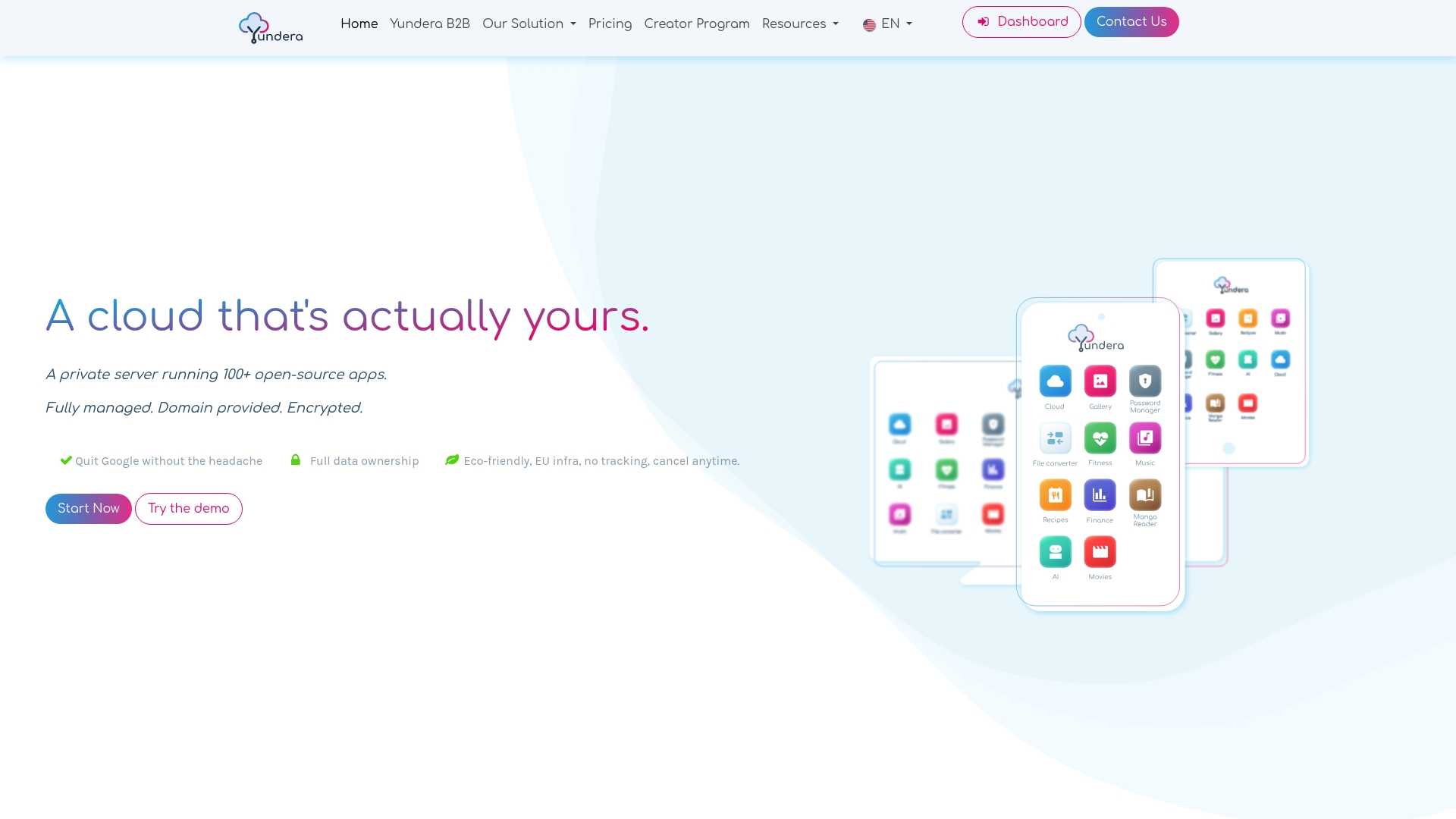
Unlike a ROM you have to flash or a server you build yourself on an old Raspberry Pi, everything can be ready to use: file storage, a photo gallery, password management, a VPN and personal website hosting, all available from a custom domain. No data is collected or sold, and you can export your files at any time, as explained in the practical guide to data sovereignty. For freelancers and small organizations, a plan built for startups and SMBs lets you take back control of your infrastructure without hiring a sysadmin. If self-hosting appeals to you but the technical hassle doesn't, visit the Yundera product page to see how to get started.
Sources
If you want to take your migration further, several French-language resources are worth a look. The CHATONS MOOC offers a complete course on taking back control of your online services. Framasoft is still the reference for free and federated projects such as Framagenda and Framacarte. To shrink your digital footprint beyond your smartphone, our dedicated guide is a useful companion to the steps in this plan.
- De-Googling your Android phone (2026): from light to full — Secure‑OS
- The best alternatives for weaning yourself off Google — Clubic
- How I de-Googled my life — Frandroid
Frequently asked questions
How do I erase every trace of myself from the Internet?
It's impossible to completely erase your online footprint. You can, however, drastically reduce future data collection by moving to encrypted services, deleting accounts you no longer use and asking the platforms you leave to delete your data.
How do I de-Google my phone?
There are three levels: replace your apps with open source equivalents from F-Droid, install a ROM with microG to keep some compatibility, or switch to GrapheneOS to remove Google services completely.
Why are people leaving Gmail?
The main reason is that people don't want the content of their emails analyzed for ad targeting or for training algorithms. That pushes them toward encrypted alternatives like Proton Mail.
Is it possible to stop using Google entirely?
Yes. Almost every everyday use (search, email, maps, storage, messaging) has a privacy-friendly equivalent. Only a specific constraint, such as a demanding banking app, might require you to keep limited access to the Google ecosystem through a secondary device.
De-Google Your Digital Life: The Step-by-Step Guide That Actually Works