Self-Hosted Open Source CMS: The Guide to Staying in Control

If you need full control over your data and want to customize your stack down to the last detail, a self-hosted open source CMS is the right answer — provided you accept the operational workload that comes with it. That is the central trade-off: you regain sovereignty over your content and your infrastructure, but you also take on security, backups and the disaster recovery plan (DRP).
Three factors shape the decision:
- Control and compliance: your data stays with you, under your own security policy, with no dependency on a SaaS vendor's terms.
- Real cost: a free license does not erase the total cost of ownership — server, backups, admin time.
- Skills required: without an in-house technical team or a managed solution, maintenance quickly becomes a weak point.
The rest of this article covers the selection criteria, concrete use cases, the technical requirements for running in production, and finally the option of an ethical managed offering like Yundera's — for those who want sovereignty without shouldering the entire operational burden alone.
Key Takeaways
Choosing between a self-hosted open source CMS and a managed solution comes down, above all, to your team's real ability to carry the operational load over time.
| Point | Details |
|---|---|
| Data control | Self-hosting keeps your content and your infrastructure under your direct authority. |
| Calculate the real cost | Add up hosting, backups and admin time before comparing with SaaS. |
| Security and DRP are mandatory | Test your restores regularly, rather than waiting for the first serious incident. |
| Choose by project type | Brochure sites, blogs, e-commerce and headless setups demand different architectures and ops levels. |
| Ethical managed option | Yundera handles installation, backups and data export on a private server hosted in France. |
Table of Contents
- SaaS or self-hosted open source CMS: what's the operational impact?
- How to choose a self-hosted CMS that fits your project
- Which CMS to choose for your project profile
- What does it take, technically, to run a CMS in production?
- Why consider an ethical managed offering rather than full DIY?
- What self-hosting really reveals about your priorities
- Moving to managed self-hosting with Yundera
- Sources
SaaS or self-hosted open source CMS: what's the operational impact?
The difference between a SaaS CMS and a self-hosted open source CMS is not just a matter of price. It comes down to who controls your data, who fixes things when they break, and who decides where the product goes next.
A SaaS CMS (Wix, Squarespace, or cloud offerings like Strapi Cloud) hands you a ready-to-use platform. You open an account, you publish, support answers your tickets. In exchange, you accept the limits the vendor sets: a proprietary data format, pricing that climbs with your traffic, and total dependence on the availability of their servers.
Self-hosting flips that balance of power. You install the CMS on your own server or a VPS, you configure the database, and you decide every setting. That freedom has a price: you become responsible for security, updates and service continuity.
Advantages of SaaS:
- Live in minutes, with no server configuration
- Technical support included in the subscription
- Availability managed by the vendor (contractual SLA)
Advantages of self-hosting:
- Complete sovereignty over your data and where it lives
- Unlimited customization of code, theme and integrations
- Portability: you can migrate your data without negotiating with a provider
| Criterion | SaaS CMS | Self-hosted CMS |
|---|---|---|
| Data control | Limited by the vendor | Total, on your own systems |
| Customization | Restricted to what's offered | Unlimited, with source code access |
| Maintenance | Handled by the provider | On you (or delegated) |
| Upfront cost | Monthly subscription from day one | Free license, infrastructure costs |
| Risk during an incident | Covered by the provider's SLA | Depends on your own DRP |
The classic trap is confusing a free license with zero cost. Maintaining an open source CMS involves real costs as soon as the project grows: a properly sized server, automated backups, security monitoring, and human time to apply patches. A tool like Strapi illustrates the shift nicely: the self-hosted version is free, but its managed cloud offering starts at $29 per month — aimed precisely at those who would rather delegate that workload.
How to choose a self-hosted CMS that fits your project
Before you commit, run your project through a set of concrete questions. Here is the method most serious technical teams follow.
- Assess your in-house skills. Do you have a sysadmin who can manage a Linux server, a database and SSL certificates? Without that resource, DIY becomes a risky bet.
- Clarify your functional needs. Are you after multisite, an online store, a headless architecture to push content to several channels? Each answer points to a different family of CMS.
- Check the non-negotiable security criteria. Encryption of data at rest and in transit, fine-grained access management, and logging of administrator logins.
- Plan for scalability. An application cache, a properly indexed database and a CDN in front of your static assets prevent 80% of the slowdowns seen in production.
- Put a number on the total cost of ownership. Add up hosting, offsite backups, development hours and any paid extensions over twelve months — not just the first month.
Pro tip: Before signing up for an expensive dedicated server, run your shortlisted CMS on a modest VPS for two or three weeks. You will find out very quickly whether your team really has the time and the skills to administer it day to day.
This checklist applies just as much to a brochure site as to a complex headless architecture. What changes is the relative weight of each criterion: a brochure site can live with standard security, an e-commerce platform can't afford a single flaw in payment handling.

Which CMS to choose for your project profile
The right choice depends less on the CMS itself than on what you need to publish, sell or distribute.
For a brochure site or a small business, go for something lightweight and easy to maintain. Recent projects such as Hermes CMS, built on modern foundations like Symfony, target exactly this use case: little complexity, simple administration, a small server footprint.
For blogging and editorial publishing, platforms optimized for writing and subscriptions dominate. WordPress remains the long-standing reference thanks to its wealth of plugins, while Ghost aims at a cleaner writing experience designed for paid publishing. Choosing between them mostly comes down to weighing your need for plugins against your need for editorial simplicity.
E-commerce calls for particular care. Operational complexity — payments, inventory, GDPR compliance on customer data — ramps up fast. Without a solid ops team, this kind of project almost always benefits from a managed solution rather than a DIY deployment.
Headless and multichannel setups are where self-hosting delivers the clearest sovereignty benefit. A CMS like Strapi, used as a pure API feeding a website, a mobile app and a connected device from the same source, keeps all your content data under your own roof — which matters especially for organizations facing strict compliance requirements.
- In-house technical team with time available: self-hosted DIY makes sense.
- No dedicated ops resource: a managed solution reduces risk without sacrificing control of your data.
What does it take, technically, to run a CMS in production?
A self-hosted open source CMS that runs well in production rests on infrastructure planned up front, not on adjustments made after the first incident.
- Size the server for your audience. A VPS with 2 to 4 GB of RAM is enough for a low-traffic brochure site. Beyond a few thousand daily visitors, or for e-commerce, a dedicated server or a scalable cloud instance becomes necessary.
- Pick an up-to-date stack. A recent PHP-FPM version, Node.js depending on the CMS, a well-indexed MySQL or PostgreSQL database, and a reverse proxy such as Nginx in front of the application.
- Set up backups you actually test. A backup you never restore is not a backup. Schedule regular snapshots and test the restore at least once a quarter.
- Lock down operational security. Automatic updates for critical patches, a web application firewall (WAF), SSL certificates renewed automatically, and secrets managed outside the source code.
- Automate deployment and monitoring. A CI/CD pipeline, documented playbooks for every version upgrade, and an alerting system that warns you before your users notice anything.
Pro tip: Document your restore procedure as if you had to hand it to someone discovering your infrastructure at 3 a.m. If it doesn't fit on one clear page, it's too fragile for a real incident.
Final performance depends far more on infrastructure and configuration — cache, PHP-FPM, CDN — than on whichever CMS looked best on paper. Two installations of the same CMS can show very different response times depending on how well that tuning is done. Projects like YunoHost take some of that load off by offering catalogs of pre-configured applications, which lowers the technical barrier without replacing a real DRP strategy. Monitoring and how quickly you react to incidents often matter more, in the long run, than the initial choice of CMS.

Why consider an ethical managed offering rather than full DIY?
A serious managed offering covers installation, automated backups, security patching and the ability to export your data at any time. That is exactly where the real difference lies compared with a DIY deployment left unsupervised.
Yundera offers managed private servers, hosted in France, with more than 100 pre-installed open source applications covering file sharing, website hosting, photo storage and plenty more. The infrastructure is built on a commitment never to collect or resell your data, with guaranteed exportability at any time.
The real test of a managed offering isn't its feature list, but whether it lets you walk away with your data intact the day you change your mind.
A managed solution lowers the total cost of ownership as soon as in-house maintenance would cost more than the subscription — which happens sooner than you'd think for a small organization with no dedicated sysadmin. Before signing with a provider, ask these specific questions:
- What is the guaranteed SLA on service availability?
- How does the disaster recovery plan work in the event of a major incident?
- Who has access to the data, and under what privacy policy?
- Is a full data export possible without negotiation or hidden fees?
What self-hosting really reveals about your priorities
Most comparisons treat self-hosting as a technical question. That's a mistake. It is first and foremost a question of organizational priorities: do you want to invest your scarce time in system administration, or in your product and your content?
The dominant narrative pits "free open source" against "paid SaaS," as if the first had no cost. It does, and the data on open source CMS maintenance confirms it: without a dedicated team, a free license is paid for in accumulated operational risk — usually invisible right up until the day something breaks.
What I take away above all: data sovereignty should never be a luxury reserved for those with a DevOps team. That is precisely why an ethical managed offering, one that keeps the code open and guarantees data export, deserves to be considered before full DIY — not merely as a plan B after a patched-together self-hosting attempt falls over.
— Yundera
Moving to managed self-hosting with Yundera
Want to keep control of your data without carrying the burden of server maintenance alone? Yundera is the route that combines both: a fully managed private server, hosted in France, with more than 100 open source applications already installed and ready to use, no prior technical skills required.
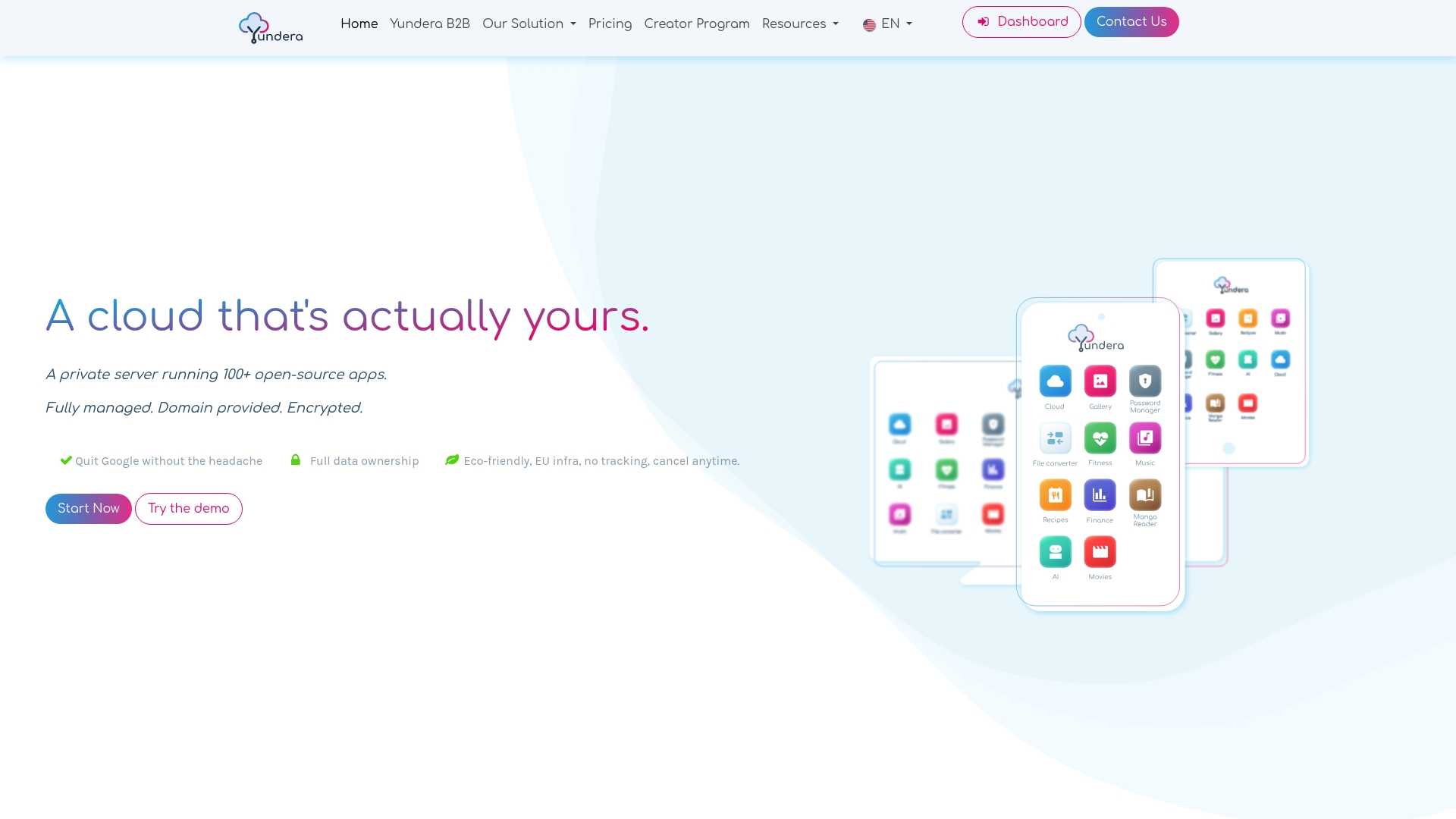
Every application runs under your own domain, with secure access from anywhere and a guarantee that you can export your data whenever you want. Unlike a DIY deployment left to fend for itself, Yundera takes care of updates, backups and service availability, which removes the technical debt that piles up when nobody is watching the security patches.
For small organizations and freelancers, this approach meaningfully reduces IT costs while keeping the customization that open source is known for. Request a demo or a quote to work out the right setup for your data volume.
Sources
- Strapi pricing | G2
- Best CMS platforms: which tool to choose for your site in 2026? | Clubic
- The best CMS platforms for 2026: a practical comparison | InMotion Hosting
Self-Hosted Open Source CMS: The Guide to Staying in Control