Self-Hosted Portfolio: Which Solution Keeps Your Data Private?

For most individuals and freelancers, a self-hosted static site or a managed private server offers the best balance of cost, security and data control. If your budget is zero and you enjoy tinkering, a static site generator like Vitrine deployed on a git-based host will do the job. If you want sovereignty without spending your evenings on it, a managed private server like Yundera's makes that trade-off for you.
- Zero budget, maximum control: static site + git-based hosting, €0 per month excluding the domain name.
- Simplicity and sovereignty without technical skills: managed private server, fixed monthly cost, guaranteed data export.
- Fast launch: allow 60 to 120 minutes for a basic static site, a few hours for a fully configured private server.
Key Takeaways
A self-hosted portfolio guarantees data control at the point where a free static site runs into the limits of maintenance and portability.
| Point | Details |
|---|---|
| Choose based on your profile | Static site for tinkerers, managed private server for those who want zero maintenance. |
| Real budget | Expect €0 to €15 per month depending on the approach, excluding any domain fees. |
| Security is non-negotiable | Automatic HTTPS, tested backups and protected access, whichever host you pick. |
| Portability above all | Store your content in JSON or Markdown so you can migrate without losing anything. |
| Recommended managed solution | Yundera hosts in France, guarantees data export and pre-installs more than 100 open source applications. |
Table of Contents
- The four ways to host a self-hosted portfolio
- How to launch a static site in 60 to 120 minutes
- Which security checklist applies, whatever the host?
- What does each approach really cost?
- How to choose between the four approaches
- The option that spares you all the technical maintenance
- Sources
The four ways to host a self-hosted portfolio
Each approach suits a different profile. Here is how they compare, from the simplest to the most independent.
- Static site + git-based hosting (static site generator, Git repository, deployment on Cloudflare Pages or equivalent): free or nearly so, no database and therefore nothing to secure on the server side, but no dynamic features (contact form, blog with comments) without a third-party service. Allow 1 to 2 hours for a first deployment.
- VPS or full self-hosting: you rent a bare server and install everything yourself (web server, certificates, backups). Total control, moderate cost, but constant maintenance: security updates, monitoring, incident handling. Several days for a newcomer, a few hours for someone experienced.
- Managed private server (the approach Yundera offers): hosting, backups and updates are taken care of, you keep ownership of your data and access to a catalogue of pre-installed open source applications. Up and running in about an hour, without writing a single line of server configuration.
- Consumer SaaS builders: quick to get started, but your content often stays tied to the platform and the data collection terms are rarely transparent. A few minutes to publish, at the cost of limited portability.
On privacy, the gap is clear: the further you move towards closed SaaS, the less you know about what is being collected from your visitors.
How to launch a static site in 60 to 120 minutes
A static portfolio remains the fastest route to free, private hosting. Here is the method that works, tested by thousands of developers who publish their own site on GitHub.
Before you start, prepare your images (compressed, modern web formats), your short biography and the list of your projects with visuals. This groundwork avoids the back-and-forth that wastes time once the build is under way.
- Choose a starting point: a ready-made open source portfolio template if you want to move fast, or a static site generator like Vitrine that turns your data into HTML pages through a template engine, without writing complex frontend code.
- Version the result in Git. This is the foundation of any reliable backup and any automated deployment.
- Deploy to a git-based host: Cloudflare Pages, Netlify or Vercel detect your repository and publish the site on every change, free of charge in most cases.
- Configure the DNS of your custom domain name to point to the host you chose. A single CNAME record is enough in the majority of cases.
The most common developer portfolios follow a similar pattern: React or Vite for the structure, Git for the history, continuous deployment for updates. It is effective, but it requires more upkeep than a simple static site generated once and for all.
Pro tip: Automate deployment from day one. A Git push that automatically republishes the site saves you from going back in manually on every change, and reduces the risk of forgetting security updates.
Which security checklist applies, whatever the host?
Some habits hold for every approach, from the free static site to the managed private server. Ignoring them puts both your visitors and your own data at risk.
- HTTPS enabled with automatic certificate renewal — never an expired certificate or one managed by hand.
- Regular, exportable backups, not just stored on the same machine as the site.
- Protected access with strong passwords or keys, never a shared account with no traceability.
- Minimal log collection, especially if you care about your visitors' privacy as much as your own.
Separating content from presentation — storing your text and projects in JSON or Markdown rather than buried in code — makes a future migration far easier.
A browser's local storage (localStorage) was never designed for long-term backup: it disappears when you switch browsers, clear a cache or lose a device.
This point, documented by Auth0, applies to a portfolio too: never rely on browser storage as the only copy of your content.
Pro tip: Test your restore at least once. A backup you have never tried to restore is only an intention to back up.
What does each approach really cost?
SaaS builders start at around €2.99 per month, whereas a self-hosted static site can run at €0 per month, excluding domain fees.
- Low-cost SaaS: €2.99 to €15 per month, portability often limited.
- Self-hosted static site: €0 per month, with only the domain name left to pay for.
- VPS or self-hosting: mid-range price, but expect maintenance time every month (updates, monitoring).
- Managed private server: fixed price depending on the storage capacity you choose, maintenance delegated.
Hidden costs affect everyone: domain name renewal, a paid CDN if traffic grows, and the time spent on security updates if you manage everything yourself.
How to choose between the four approaches
Before deciding, ask yourself these questions in order.
- What is your actual technical level? If the idea of configuring a firewall makes you nervous, rule out the bare VPS.
- How much time do you want to spend on maintenance each month? Zero hours points to a managed offer, a few hours opens the door to self-hosting.
- Do you need dynamic features (form, blog, member area) or will a simple showcase site do?
- Is the portability of your data a priority? If so, steer clear of any service that locks your content into a proprietary format.
Three warning signs justify ruling out a solution without hesitation: no export function, total dependence on a closed API, and a data collection policy that stays vague or cannot be found at all. If you are aiming for zero maintenance while keeping control of your data, a managed offer remains the most realistic compromise.
Preparing your portfolio for portability
An export that genuinely works rests on three pillars: a complete Git history, your text and projects in JSON or Markdown rather than buried in a proprietary format, and a copy of your media outside the original platform.
- Check regularly that a local restore of your backup actually works.
- Always separate content from presentation: that is what will let you switch hosts without rewriting everything.
Should you choose self-hosting or a managed server?
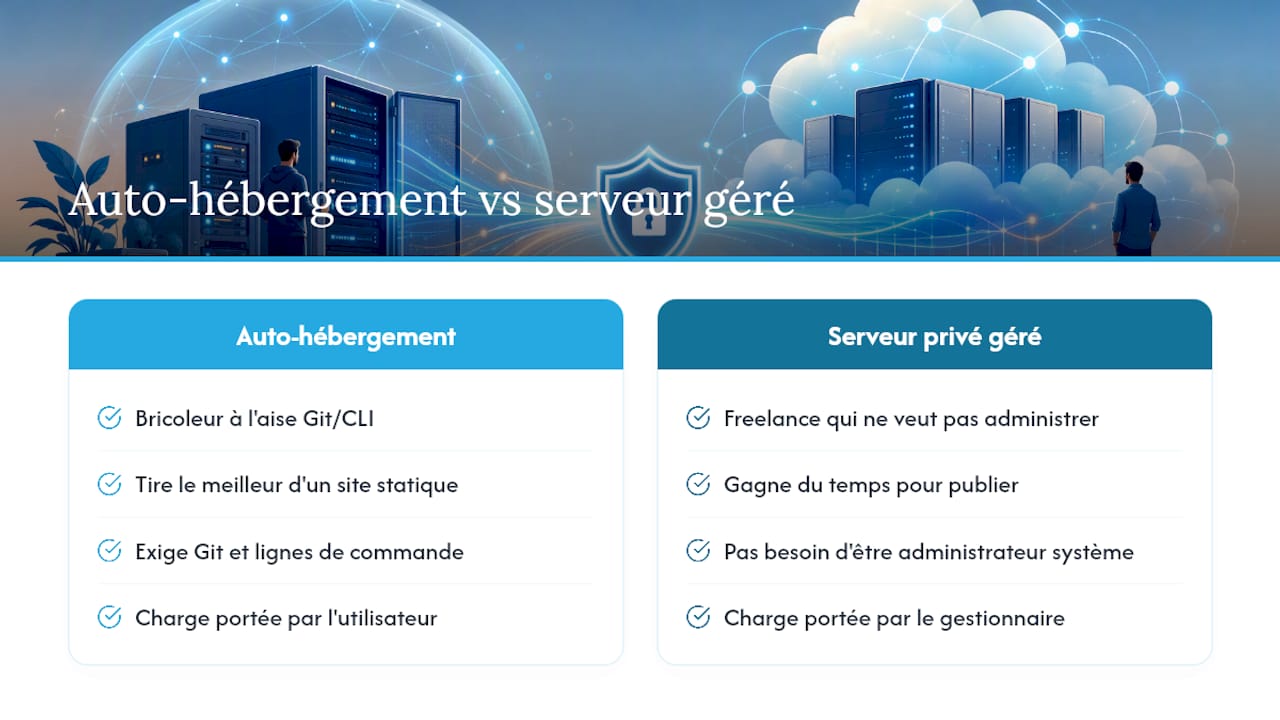
A tinkerer comfortable with Git and the command line will get the most out of a self-hosted static site. A freelancer who wants to publish their work without becoming a system administrator will save time with a managed private server. Either way, data sovereignty remains the central issue — the only question is who carries the operational burden.
The option that spares you all the technical maintenance
Yundera is the alternative to managing a VPS yourself or to SaaS builders that collect your data: a private server, hosted in France, where you keep full ownership of your files.
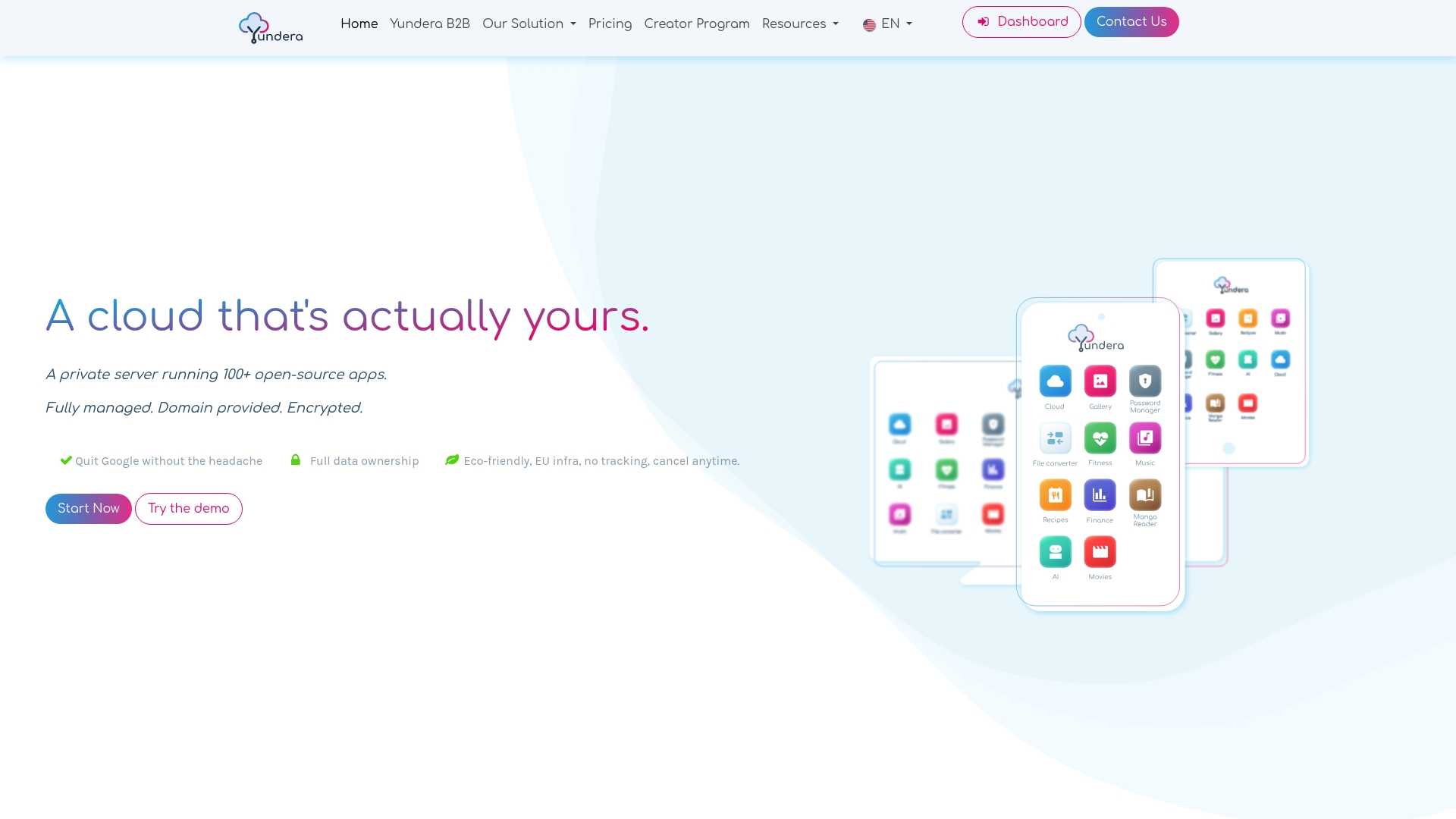
The offer includes more than 100 pre-installed open source applications, going well beyond simple portfolio hosting: file sharing, photo gallery, websites — with no technical skills required to run them. As the Yundera offer overview documents, exporting your data is guaranteed at any time, and no data is collected or resold. For a privacy-conscious individual who wants to publish a portfolio without depending on an opaque third-party service, this is the most direct route to real control. Explore the offer designed for privacy-conscious individuals and launch your own server today.
Sources
To dig deeper into the methods covered here, these resources remain solid references.
- How much does a domain name cost? — La Fabrique du Net
- foudhilriahi/Vitrine — GitHub
- Secure browser storage: the facts — Auth0 blog
Self-Hosted Portfolio: Which Solution Keeps Your Data Private?