Reducing Your Digital Footprint: The Guide to Taking Back Control

Reducing your digital footprint means taking back control over where your data is hosted, how it is encrypted, how long it is kept and who it is shared with. You don't need technical skills to get there: a managed private server, like the one Yundera offers, does the work for you, stays hosted in France and remains fully reversible.
In practice, here is the order of operations that actually matters:
- Audit your current accounts and services.
- Export your data before shutting anything down.
- Migrate files and applications to hosting you control.
- Verify encryption, retention and access once the switch is done.
Each step shrinks the surface of data that third parties can collect, cross-reference or resell.
Key Takeaways
Reducing your digital footprint means taking back control of hosting, encryption, retention and access rather than hoping third-party services will be more discreet.
| Point | Details |
|---|---|
| Export before deleting | Always retrieve your data in an open format before closing an account or a service. |
| Encrypt in transit and at rest | Combine TLS with encryption at rest, and require key exportability from your provider. |
| Set retention by category | Define separate durations for logs, backups and sessions rather than one blanket rule. |
| Document your governance | Keep a record of processing activities and clear data processing clauses with every provider. |
| Migrate to hosting you control | A managed private server like Yundera offers guaranteed export, hosting in France and no commercial data collection. |
Table of Contents
- How can you reduce your digital footprint in two weeks?
- Which technical measures guarantee real control over your data?
- How do you organise day-to-day data governance?
- How do you actually migrate to a managed private server?
- What does the GDPR say about retention and data transfers?
- Why a managed solution changes everything for sovereignty
- Try a Yundera private server with no technical commitment
- Frequently asked questions about reducing your digital footprint
- Sources
How can you reduce your digital footprint in two weeks?
You don't have to change everything in a single day. A prioritised checklist, spread over anywhere from one day to two weeks, is enough to produce visible results.
- Export your essential data, then delete the accounts you no longer use. Explicitly request erasure from the platform: simply deactivating an account often leaves the data sitting on the server, sometimes for years.
- Turn on multi-factor authentication for your main accounts, change any reused passwords, and revoke the third-party apps connected to your Google, Microsoft or social media accounts.
- Set up DNS filtering on your router and add an anti-tracking extension to your browser. These two settings cut out a large share of ad tracking without changing your habits.
- Make an encrypted external backup of your critical files and check that the export formats are open and reusable elsewhere.
- List the applications and files to migrate first: email, photos, work documents, passwords.
These quick measures — DNS filtering, anti-tracking extensions, tighter app permissions — have an immediate effect on your digital traces while you prepare a more structured migration.
Pro tip: before deleting an account, always export your data in an open format (CSV, JSON, standard ZIP). An account closed without an export is a permanent loss, not a smaller footprint.
Which technical measures guarantee real control over your data?
Encryption in transit, via TLS, protects your data as it travels between your device and a server. Encryption at rest protects the files stored on disk. Both are necessary, but neither is sufficient on its own: without an extra layer of application-level encryption, poorly scoped administrator access can still read your data in the clear.
Key management matters just as much as the encryption itself. Insist on either full key exportability or client-side managed keys, so you never depend entirely on a provider to decrypt your own files.
Retention should be defined per category rather than applied uniformly:
- Technical logs: a few days to a few weeks, using a tool such as
logrotate. - Full backups: an explicit retention policy, with automatic purging of expired versions.
- User sessions: short expiry, renewed only on genuine activity.
Backups themselves should be encrypted, using general-purpose tools such as restic or borg, and paired with a restore plan that has actually been tested, not just written down. A privacy-by-design approach requires these choices — retention, logs, encryption — to be documented when the server is deployed, not bolted on afterwards.
Finally, cut down on unnecessary metadata: anonymising IP addresses and browser identifiers in your logs prevents you from accidentally rebuilding a tracking profile as precise as any third-party cookie.
How do you organise day-to-day data governance?
Once the technical settings are in place, they need to be made durable and verifiable. That calls for simple governance, even for a freelancer or a small organisation.
- Map your data processing activities (who processes what, where and why) in a record, however minimal.
- Apply the principle of least privilege: every account gets access only to what it genuinely needs.
- Appoint a data protection officer if your activity warrants it, with a clear procedure for incidents.
- Document an effective deletion procedure that also covers copies sitting in backups, not just the main database.
- Sign data processing clauses with your providers and ask for proof of where the hosting is located.
Data sovereignty is now pushing many organisations to document these choices rather than treat them as administrative detail. An up-to-date record, even a single page long, beats a generic privacy policy that nobody follows.
How do you actually migrate to a managed private server?
The migration happens in four stages, each one verifiable before you move on to the next.
- Prepare: audit what you have, export everything, prioritise sensitive data and take a backup before touching anything.
- Pilot: migrate a low-stakes dataset or application first. Check file integrity and access permissions once transferred, just as you would when switching a video conferencing tool over to a private solution.
- Switch over gradually: sync, verify, then redirect the remaining uses once the pilot is validated.
- Validate: check encryption, backups, access and audit logs after the migration, not only before it.
Before signing with a provider, explicitly ask about full data export, the exact hosting location, the absence of commercial data collection, and responsive support when something goes wrong.
Pro tip: insist on a written reversibility clause, not just a sales promise. A serious provider documents its export procedure, not only its entry-level offer.
What does the GDPR say about retention and data transfers?
The GDPR requires data minimisation: keep data for less time, keep fewer fields, keep fewer copies. This applies to backups too, which must respect the right to erasure rather than sidestep it indefinitely.
- Avoid undocumented data transfers; favour hosting within the European Union whenever possible.
- Maintain a record of processing activities and, for sensitive cases, a data protection impact assessment.
- Ask every provider for clear processing clauses, with evidence of compliance.
- Keep your policies, logs and procedures as evidence in case of an audit.
Why a managed solution changes everything for sovereignty
Self-hosting is appealing on paper, but it demands time that few individuals or freelancers actually have. A managed solution like Yundera resolves that trade-off: a private server, more than 100 preinstalled open source applications, ethical hosting in France, and guaranteed export at any time. For anyone already running a full-time job, it's often the only realistic way to achieve genuine sovereignty without becoming a system administrator.

Try a Yundera private server with no technical commitment
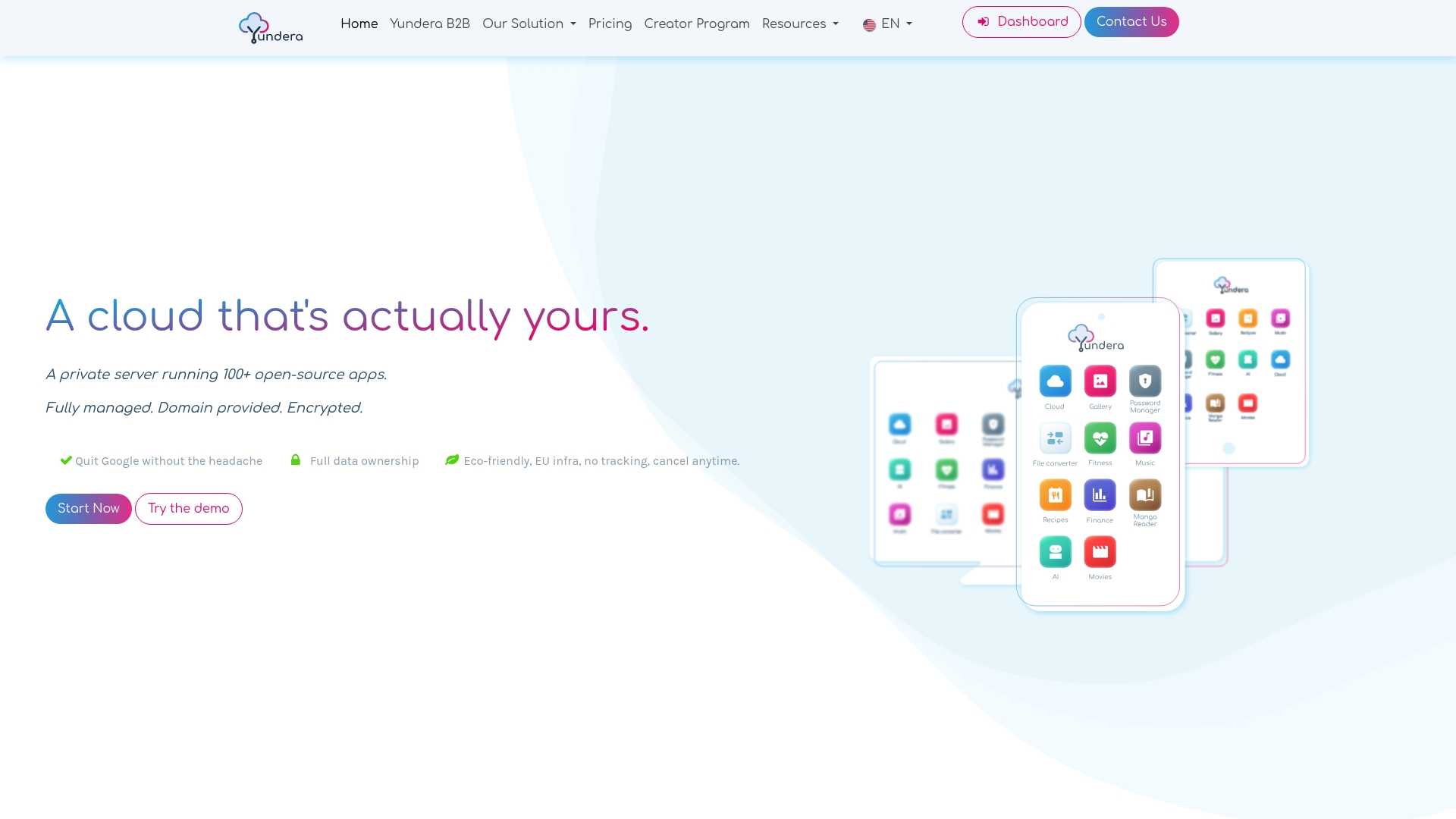
Yundera turns reducing your digital footprint into concrete action rather than a marketing promise: a private server hosted in France, more than 100 ready-to-use open source applications, and guaranteed export of your data at any time, with no collection or resale, ever.
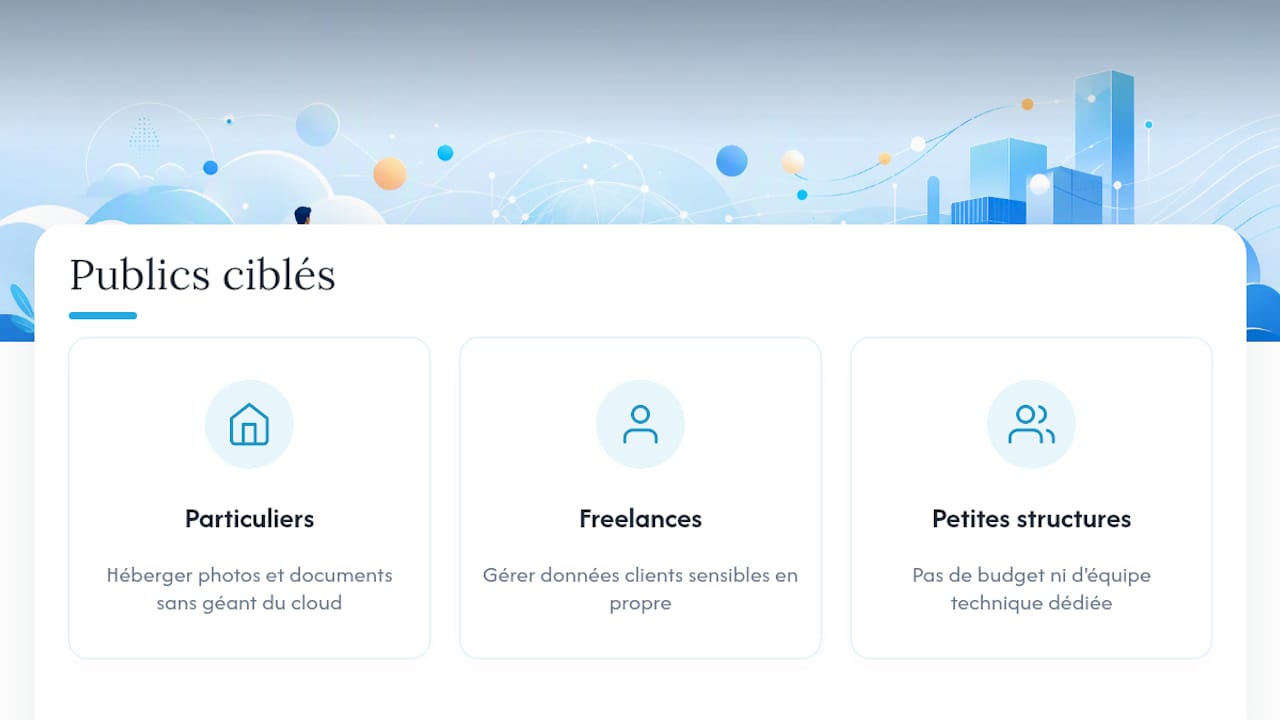
This approach is a particularly good fit for individuals who want to host their photos and documents without depending on a cloud giant, for freelancers handling sensitive client data, and for small organisations with neither the budget nor the time for a dedicated technical team. Every use case — file storage, website hosting, password management — runs on a custom domain, accessible from anywhere.
If the steps above have convinced you that private hosting is the right direction, the page for privacy-conscious individuals lays out the full offer, and the pricing table lets you pick the right capacity for your needs before starting a pilot.
Frequently asked questions about reducing your digital footprint
Do you need technical skills to reduce your digital footprint? No. Auditing your accounts, exporting your data and enabling multi-factor authentication require no particular expertise. Migrating to private hosting can then be handled entirely by a provider, with no manual configuration on your side.
How long does it take to meaningfully reduce your digital footprint? The first actions — exporting, deleting accounts, enabling MFA — can be done in a single day. A full migration to a managed private server usually takes a few weeks, allowing time to run a pilot and then switch over gradually.
Is local hosting enough to guarantee data sovereignty? Local hosting helps, but you also need to confirm that there is no commercial data collection, that your data is genuinely exportable, and that clear processing clauses exist with the provider. Location alone guarantees nothing without those contractual safeguards.
What should you do if a service refuses to delete your data? Explicitly invoke your right to erasure under the GDPR. If the service doesn't respond, you can file a complaint with the CNIL, which handles this type of claim for platforms operating in France or targeting French residents.
Sources
To dig deeper into data sovereignty and encryption techniques, several resources complement this guide:
- How to disappear or limit your digital traces online
- Privacy by design for a new server build
- Minimizing digital footprints (recommended practices)
Reducing Your Digital Footprint: The Guide to Taking Back Control