Private Photo Album: Guaranteeing Exports for 20 Years
To protect a private photo album quickly, turn on your phone's locked folder. For occasional sharing with family and friends, a GDPR-compliant private platform does the job. But if you want full control over your memories — complete exports and true ownership of your files — a managed private server like Yundera remains the most durable answer.
In short:
- Backing up a private album is best done on a managed private server like Yundera, which guarantees data sovereignty and full RAW export.
- Creating a locked folder on Android or iPhone effectively restricts access, but strong encryption is needed for real security.
- Online sharing should go through a European platform, with strict access control, automatic expiry, and download restrictions.
- Local and off-site backups, checked regularly, remain essential to preserving the integrity and future availability of your original files.
- Managing memories for the long haul demands a reliable export path that returns every original file intact — especially for collectors.
Table of Contents
- Quickly protecting a private photo album on mobile
- How do you create a private online gallery for safe sharing?
- How should you manage album sharing and permissions?
- Backup and export: never lose your originals
- Which solution should you choose to store a private photo album?
- Perspective: app or private server, the real question to ask
- A managed private server to keep your photos at home, not elsewhere
- Sources
Quickly protecting a private photo album on mobile
On Android, Google Photos offers a locked folder you can reach from the app's settings. It hides the photos you select from the rest of your gallery and asks for a PIN, pattern, or fingerprint every time you open it. On iPhone, the built-in hidden album does roughly the same job, but with fewer guarantees around actual encryption.
If you want to go further, some vault apps on the stores add local encryption and stronger biometric locking. Before installing one, check three things:
- Encryption is explicitly mentioned in the description, not just a screen password.
- The permissions requested match the use case (no contacts access for a simple gallery).
- The ratings and reviews on the Play Store or the App Store are recent and consistent, not artificially inflated.
Pro tip: turn off automatic backup to your public cloud before locking a sensitive folder. Otherwise an unprotected copy may already be sitting elsewhere, with its EXIF metadata intact (location, date, device).
How do you create a private online gallery for safe sharing?
When it comes to sharing an event with several people, a dedicated platform usually beats a messaging group. Services like Albumphotoprive or BumFot offer albums that stay invisible to search engines, protected by a password, secret link, or QR code.
The difference between those two access modes matters: a secret link can be forwarded with no control, whereas access by named invitation keeps a record of who enters the album. Before picking a platform, check whether you can configure:
- Whether guests can download the originals (allowed or blocked).
- Whether participants can add new photos.
- Comments, which you can enable or disable depending on the event.
- An automatic access expiry date.
Favour European hosting, with no built-in advertising, and a platform that lets you easily export the whole album the day you want it back — the same logic behind this GDPR-compliant recruitment software hosted in France.
How should you manage album sharing and permissions?
A poorly configured share quickly slips out of control. Here's a simple sequence to follow every time:
- Create a private link rather than a public, indexable one.
- Add a password that differs from your main account password.
- Limit downloads to the people who genuinely need them.
- Set an expiry date, even a fairly distant one.
- Send the link directly to your guests, without posting it on social media.
Some platforms let you revoke access at any time and show who has viewed or added files. Use that feature when it exists: it's reassuring and prevents unpleasant surprises. One reality holds true whatever the tool: nobody can stop a screenshot. The only reliable protection is keeping the circle of recipients small from the outset.
Backup and export: never lose your originals
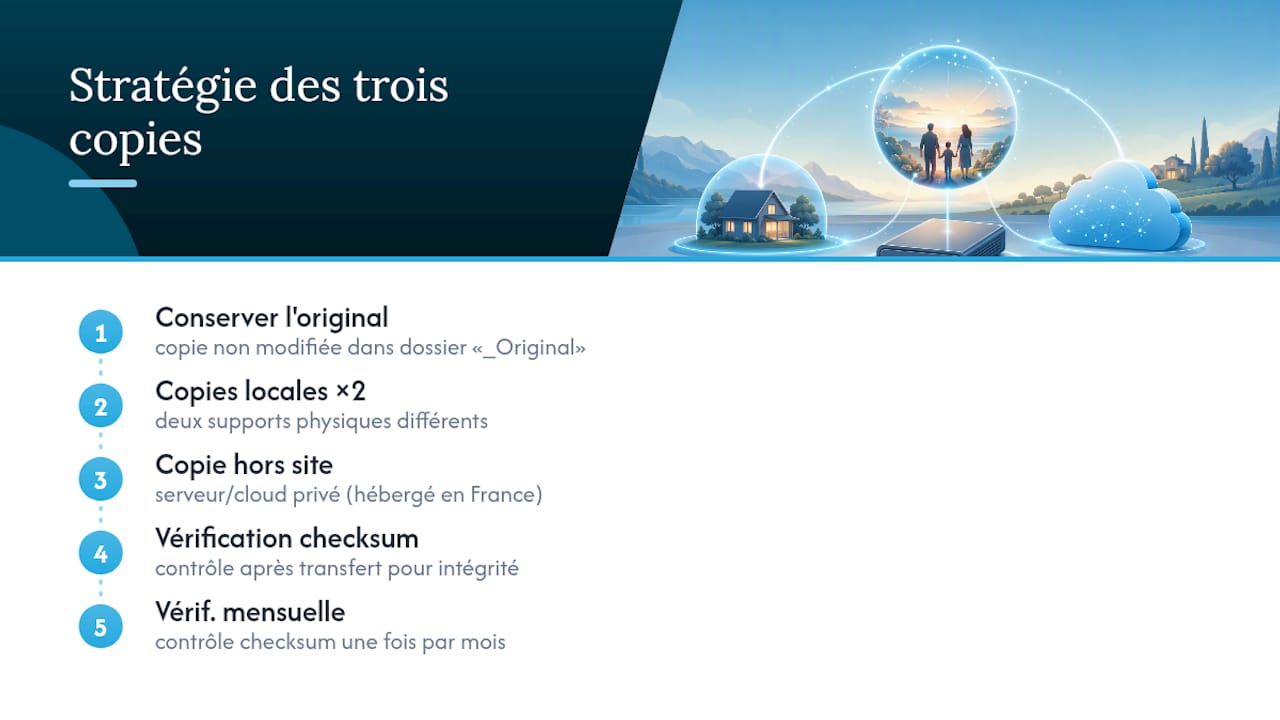
Editing a photo directly often overwrites the original, with no way back. Photographers who work in RAW avoid this trap thanks to sidecar files: the editing settings are stored separately, and the original RAW file stays untouched. A good habit is to always keep an unmodified copy in a dedicated folder — something like "_Original" — before any export or edit.
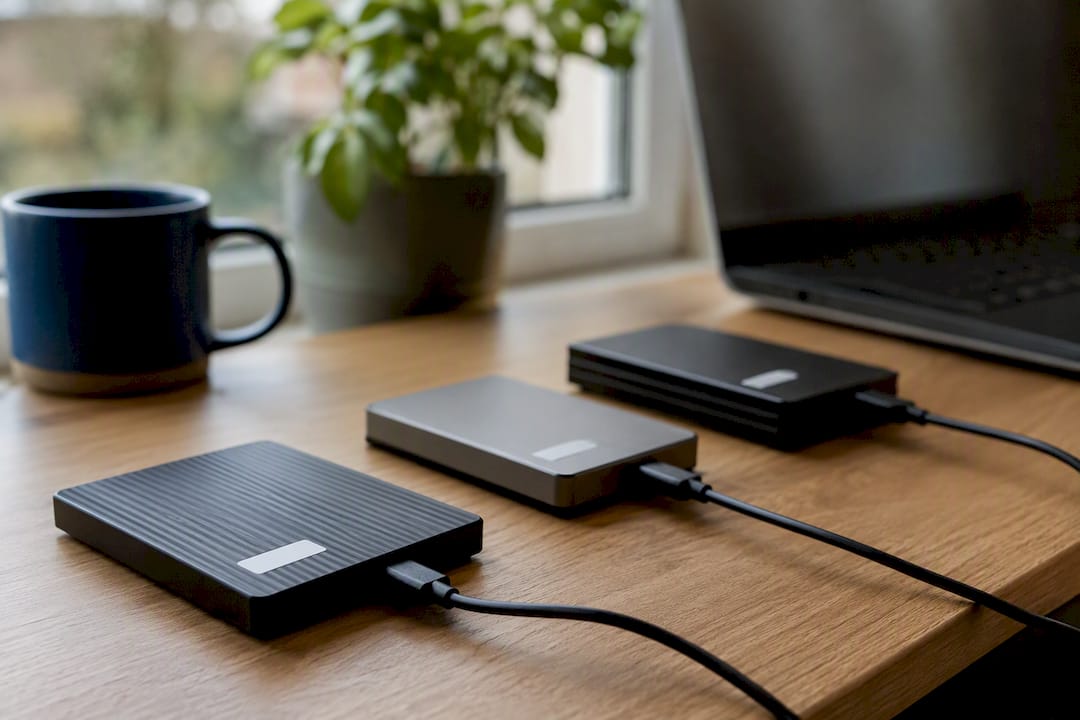
For the backup itself, the three-copy rule works well: two local copies on different media, plus one off-site copy. A checksum verification confirms that no file was corrupted during transfer. A monthly check is plenty for a personal library.
This is where a managed private cloud changes things for collectors and photographers. A photo server hosted in France lets you export an entire library, RAW files and sidecars included, without depending on a provider's goodwill. Yundera explicitly commits to never exploiting or reselling its users' data — something consumer services rarely guarantee this clearly.
Which solution should you choose to store a private photo album?
Five criteria are enough to decide without getting lost in the options:
- Security: real encryption, PIN or biometric authentication, not just a cosmetic password.
- Sovereignty: knowing where your data is hosted and under which jurisdiction.
- Export: being able to retrieve all your files, RAW included, without degradation.
- Ease of use: simple for you and for the people you invite.
- Cost and support: a clear subscription, with help available if something goes wrong.
For one-off sharing (a wedding, a birthday), a private platform is more than enough. For a family archive you want to keep for twenty years, a managed private server makes far more sense.
Pro tip: always test the export feature before committing to a long-term subscription. A service that makes getting your data out difficult isn't built to last with you.
Perspective: app or private server, the real question to ask
A vault app or a private platform handles a one-off need very well. But for a collector or a photographer piling up RAW files year after year, the real question isn't today's security — it's whether you can export in ten years' time. Few consumer services guarantee that you'll get every original and its metadata back without loss. That's precisely where a managed private server, built for sovereignty and complete exports, earns its place for anyone who wants to preserve their memories over the long term rather than manage a temporary share.
— Yundera
A managed private server to keep your photos at home, not elsewhere
Yundera is the alternative to a consumer cloud for anyone who wants to keep their albums without ever worrying about commercial exploitation of their data. The server is hosted in France, includes more than 100 open-source applications (including a full photo gallery), and comes with a guarantee that you can export at any time.
In practice, you get a private gallery accessible from your devices, a managed backup that requires no technical work on your part, a custom domain, and support when you need it. No data is collected or resold, unlike many free services. If you're a freelancer or run a small organisation, Yundera also offers plans designed to cut IT costs for small businesses. To see exactly how the offering works, visit the Yundera private cloud page and try setting up your own photo gallery.
Sources
- Private photo album: secure online photo gallery
- Secure private online photo album with QR code | BumFot
- Hide sensitive photos and videos in the Locked Folder …
Private Photo Album: Guaranteeing Exports for 20 Years